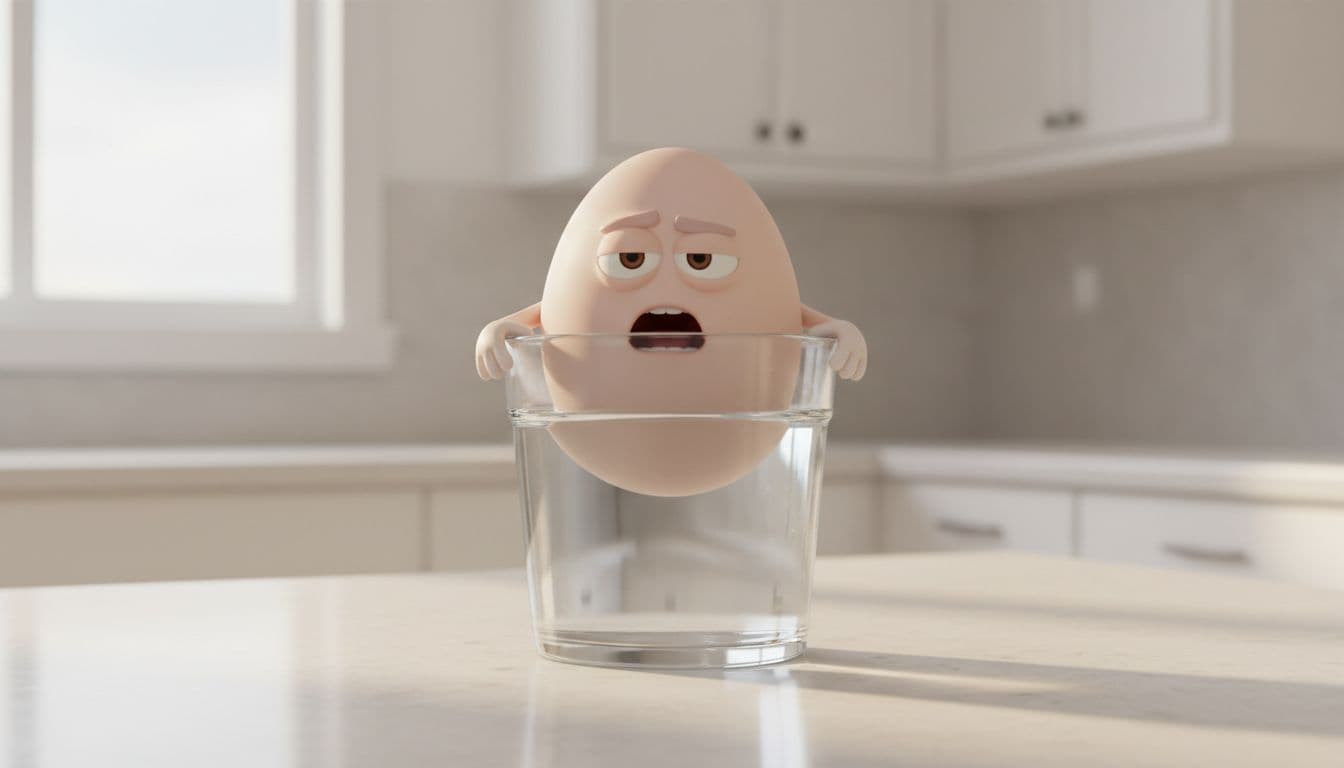
How to Make Effective Talking Object Videos That Actually Get Watched
You have seen the good ones. A nervous potato warns you about its green spots and picks up two million views. Then someone copies the format the next week, posts an identical-looking clip, and it dies at two thousand. Same tool, same 3D animated face, wildly different result. The difference is never the render — it is the writing and the choices around it. This guide shows you the whole thing: a real example video, a step-by-step walkthrough, and the formula that separates the clips that blow up from the clips that copy them.
Here is one made in TalkPix with no filming and no editing — just an object, a script, and a voice:
The formula, stated plainly
Every talking object video that travels is built from the same three parts: a relatable object, a strong emotion, and one real fact wrapped in a joke. Miss any one and it flattens. A relatable object with no emotion is a slideshow. A strong emotion with no fact gets a laugh but no share. A fact with no character is a lecture nobody asked for.
Get all three, and you have the raw material. The execution is what makes it effective — a relatable object the viewer already resents, a problem stated in the first two seconds, the fact landed last so people screenshot it, a voice that matches the mood, and a clip built to be watched with the sound off and to loop cleanly. Keep it around ten seconds. Now let's build one.
How to make one — step by step
The whole thing happens in the Talking Objects studio. It is a four-step wizard, and it writes the hard part (the script) for you.
Step 1 — Type your object
Open the studio and type any object — potato, coffee cup, alarm clock, Wi-Fi router — or tap one of the suggestion chips. The more relatable the object, the faster the joke lands, because the viewer recognizes it instantly.
Step 2 — Pick a scenario the AI writes for you
Hit generate and the AI returns five distinct scenarios for your object — each a tiny three-beat story: a problem, a twist of personality, and one real fact. This is the part that normally takes the longest, and here it takes seconds. Read them, and pick the one that actually makes you laugh.
Step 3 — Approve the character image
The studio renders a 3D animated still for your scenario — the object with an expressive face, little arms, the right setting and lighting. This is the image that gets animated, so it is worth getting right. If the expression is not doing the emotion, hit Regenerate until it is.
Step 4 — Pick a voice, choose platforms, and create
Cast the voice like an actor — deadpan, theatrical, weary — so it matches the emotion. You can lightly edit the script here too. Then tick the platforms you post on (TikTok, Instagram, YouTube, Facebook) and hit create. The studio animates the object speaking your line with matching lip movement and writes a ready-to-post caption tuned to each platform you picked.
That is the entire process. No filming, no animation software, no editing timeline — the finished vertical 9:16 video and its captions land on the result page, ready to download and post.
Make one now
Type an object, let AI write the viral scenario and render the character, and post a talking video with a caption for every platform — pay-as-you-go credits, no subscription required.
Open the Talking Objects studioA worked example, start to finish
Formula is abstract; here is the actual thinking on one object.
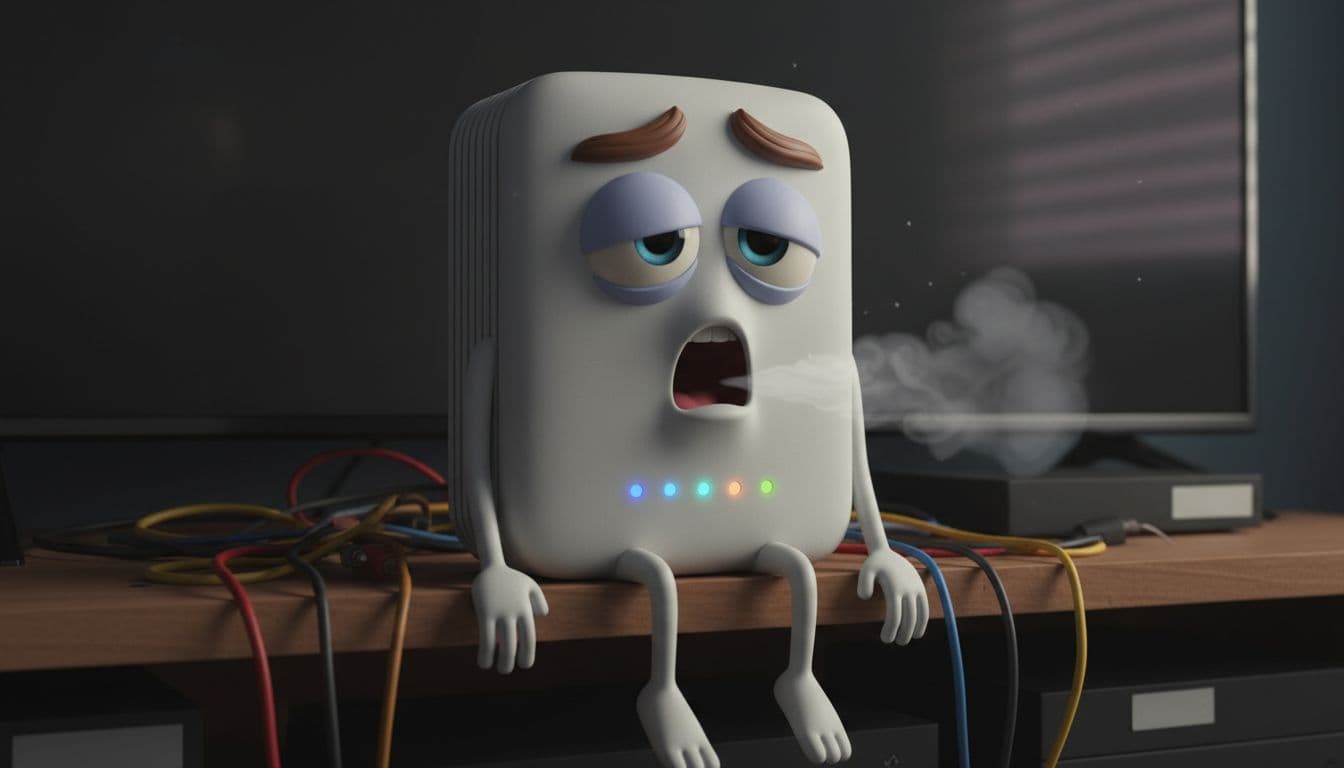
The object: a Wi-Fi router. It passes the test instantly — everyone has silently resented their internet.
The weak scenario (skip it): the router says "I am your router and I give you internet." True, but no emotion, no twist, no fact. Dead on arrival.
The effective scenario (use it): the router is passive-aggressive. Problem — "I'm hidden in a cabinet behind the fish tank, which is exactly why your calls keep dropping." Twist — a wounded, martyred tone, like it has waited years to say this. Payoff-fact — "Put me out in the open, up high, away from the microwave, and watch your signal double." Ten seconds, one laugh, one thing the viewer will actually go do.
In the studio, that is: type Wi-Fi router → pick the passive-aggressive scenario from the five → regenerate the still until the sigh is on its face → cast a weary, deadpan voice → create. Swap in a coffee cup, a mattress, or a sourdough starter and the process is identical.
The five things that make it effective
If you want the clips to actually perform, not just exist, this is where the wins are:
- Pick an object with built-in tension. Choose things the viewer already has a small frustration with — a router that drops, a plant nobody waters, a battery at 1%. Ask: does the viewer already have an opinion about this? If yes, you start with momentum.
- Treat the first two seconds as the whole video. State the problem in the first breath, first person, no "hey guys." The thumb is already moving.
- Land the fact last. Comedy earns the view; a genuinely useful fact earns the save and the share — and saves and shares are what the algorithm rewards.
- Cast the voice to the emotion. The same script performs differently deadpan versus chirpy. Match the delivery to the feeling, and regenerate the still until the face agrees.
- Design for sound-off and the loop. Put the hook on screen as text so muted viewers get it, and write the last line to flow back into the first so it loops.
Make it a channel, not a one-off
One good clip is luck; a consistent channel is a system. Because the AI writes a fresh scenario every time, the same object can star in a dozen videos — so pick a lane and run it: a "kitchen object of the day" series, an "objects roasting their owner" run, or a "did you know" fact series. When one clip over-performs, don't repost it — remake the winner with a new voice or a new object and learn which angle your audience rewards. For the background on why the format exploded, see why everything is talking on TikTok, and for a running list of concepts, the 20 talking object video ideas are all pre-built in the problem–emotion–fact shape.
What it costs
a subscription is not required and credits never expire. A talking object video runs on one-time credits: 1 credit for the scenario set, 2 credits each time you generate or regenerate the character image, the video itself at 1 credit per second in 720p (2 per second in 1080p), and 1 credit per platform caption. A typical ten-second clip lands around 13 credits — roughly $1.30 on the $5 Mini pack. Credit packs start at $5, so testing five hooks costs less than a coffee, which is exactly what makes testing — instead of betting everything on one clip — the right way to run this.
Where to go next
Want the full mechanics written out? How to make a talking object video is the step-by-step. Into the food angle — talking potatoes, eggs, lemons? See how to make talking food videos. Selling something? The same format becomes an ad when the object doing the talking is your own product — that is talking product ads. Prefer animating a real photo of a person or pet? That is the talking photo studio, same idea with your own image.
Ready to make one that gets watched?
Pick an object, let AI handle the scenario, character, video, and captions, and post it the same day — one-time credits, no subscription required.
Make a talking object video