How to Make Talking Food Videos (Talking Potato, Egg & More)
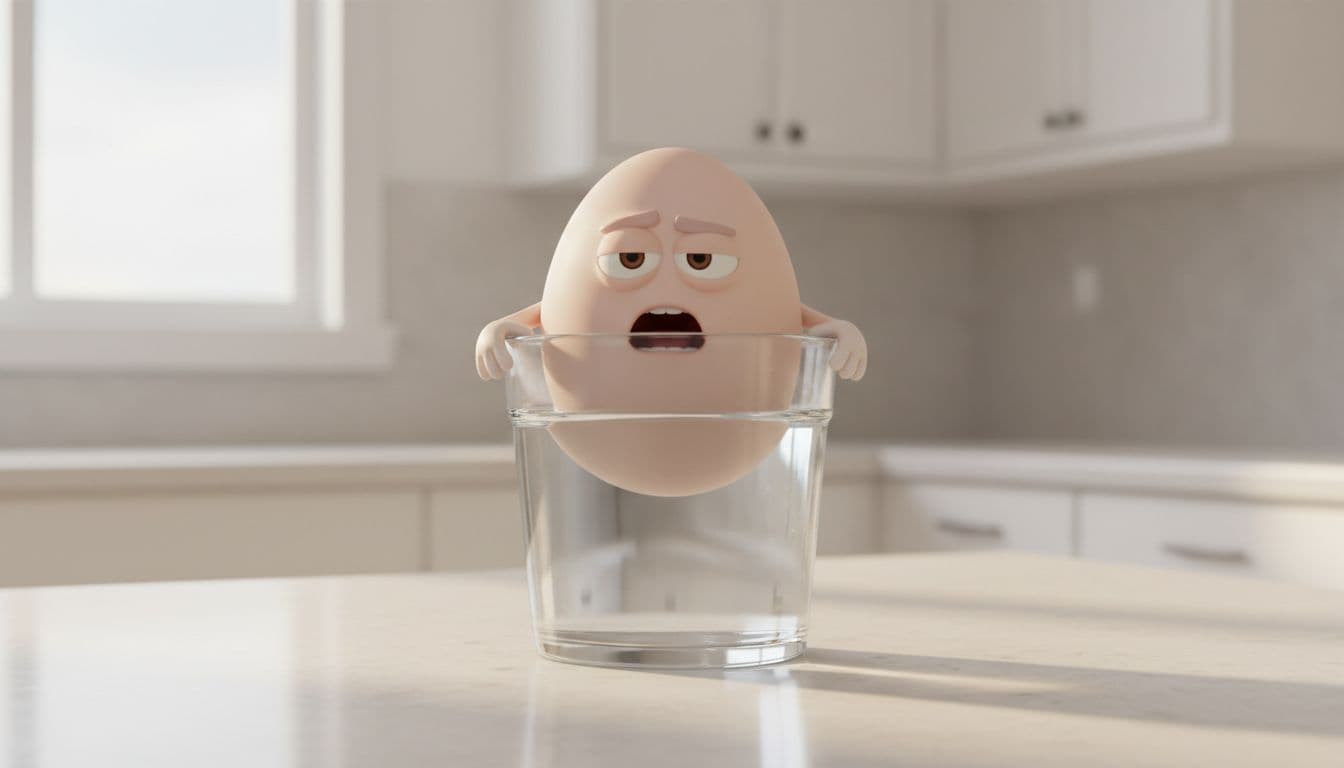
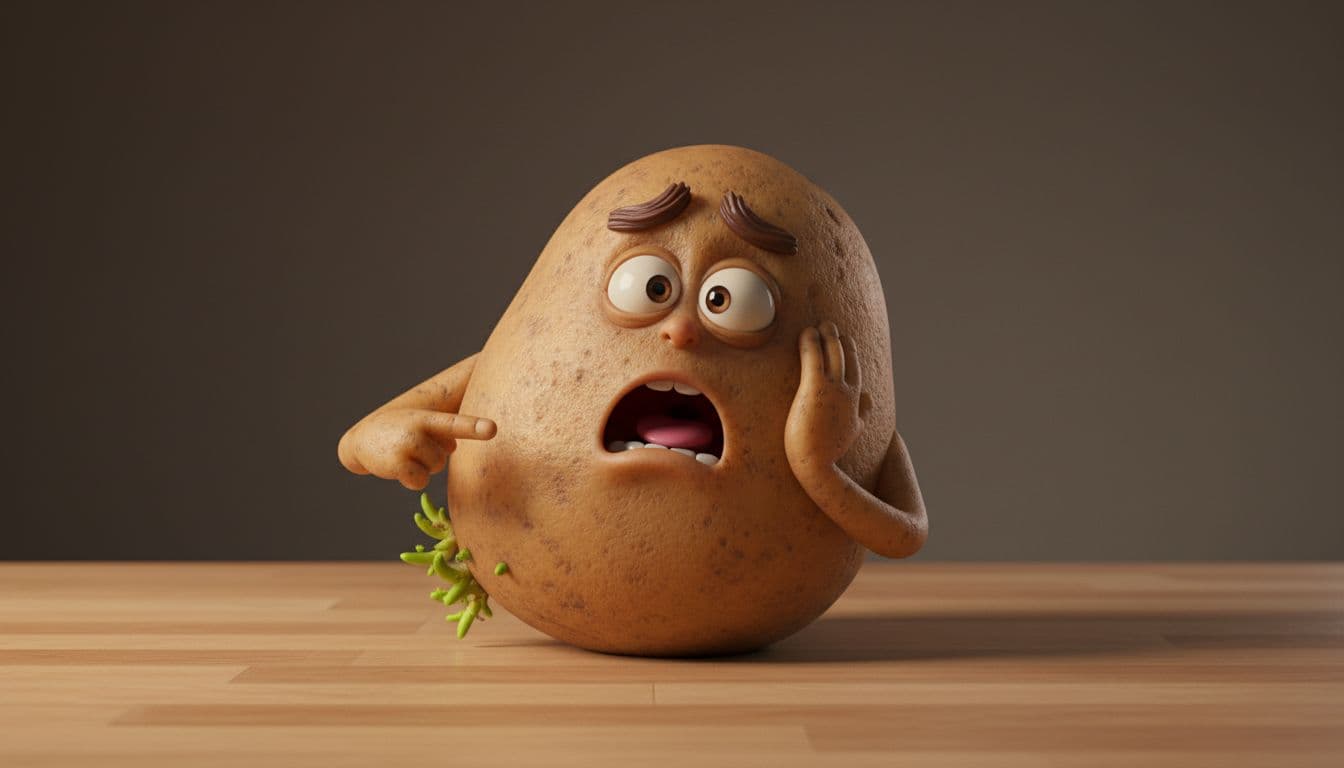
Of all the talking object videos blowing up right now, the food ones are the biggest. A talking potato panicking about its sprouts, a deadpan egg explaining the float test, a sour lemon insisting it is misunderstood — talking-food clips are relatable, funny, and packed with little kitchen facts people love to share. Here is how to make your own.
Why talking food works so well
Food is the perfect subject for this format for three reasons:
- Everyone has it. A potato or an egg is instantly recognizable in any kitchen on earth, so there is zero barrier to "getting" the joke.
- It comes with built-in facts. Storage tips, cooking mistakes, freshness tests — every food has a dozen genuinely useful facts to build a script around.
- It photographs beautifully. The glossy 3D animated look loves food: rich textures, warm kitchen lighting, expressive little faces.
Put those together and you get clips that are funny enough to watch and useful enough to save.
What you need
You do not need a kitchen, a camera, or editing software. The Talking Objects studio handles the whole thing — writing the scenario, rendering the food character, animating it speaking, and writing your captions.
Step by step
1. Pick your food
Open the Talking Objects studio and type any food: potato, egg, lemon, banana, avocado, garlic. Foods that have a common "mistake" attached to them (storing potatoes in the light, keeping bananas next to apples, overwatering nothing — you get the idea) tend to give the AI the richest material.
2. Let AI write the scenario
The studio writes several scenarios for your food. Each has a character, an emotion, a setting, and a short first-person script built around a real fact. For a potato you might get the potato itself, an offended peeler, or a furious frying pan — pick whichever makes you laugh.
3. Render the character
Choose a scenario and the studio renders the 3D animated still: your food with an expressive face, arms, and a kitchen setting. Regenerate until it looks perfect — this is what gets animated.
4. Voice, platforms, done
Pick a voice, choose your platforms, and the studio animates the food speaking your script and writes a ready-to-post caption for each platform. Post it the same day.
Make a talking food video
Type a food, pick the scenario, and get a talking clip plus captions for TikTok, Reels, and Shorts.
Open the Talking Objects studioTalking food scripts that work
Here are a few proven angles you can recreate — or let the AI write fresh ones for you:
- The nervous potato: "I am turning green because I sat in the light. Those spots can be mildly toxic, so keep me somewhere dark and cool."
- The deadpan egg: "Want to know if I am still good? Drop me in water. If I sink, cook me. If I stand up, it is time to say goodbye."
- The misunderstood lemon: "I am not bitter, I am misunderstood. Roll me on the counter before you cut me and you will get twice the juice."
- The dramatic banana: "Stop putting me next to the apples. Their ethylene gas is speeding up my downfall."
Notice the shape every time: a hook, a fact, and a little personality. That is the whole formula.
Tips for a talking-food series
Talking food is ideal for a repeatable series because there is an endless supply of subjects:
- "Fridge facts" — one food per day explaining how to store it or tell if it is fresh.
- "Cooking crimes" — foods calling out the mistakes people make with them.
- "Misunderstood foods" — the divisive ones (cilantro, anchovies, durian) defending themselves.
Run the same food through different scenarios and you will never repeat yourself.
What it costs
no subscription required. You pay per use in credits — a little for the scenario and image, then the video is one credit per second, plus a credit per platform caption. Packs start at $5 and never expire.
Keep going
For a broader list of concepts beyond food, grab these talking object video ideas, or read why the whole trend took off. And if you ever want to animate a real photo instead, that is the talking photo studio.
Your turn — make one now
Pick a food, let AI write the joke and the fact, and post a talking clip with captions.
Make a talking food video