How to Make Your Kid's Drawing Talk (It's Pure Magic)
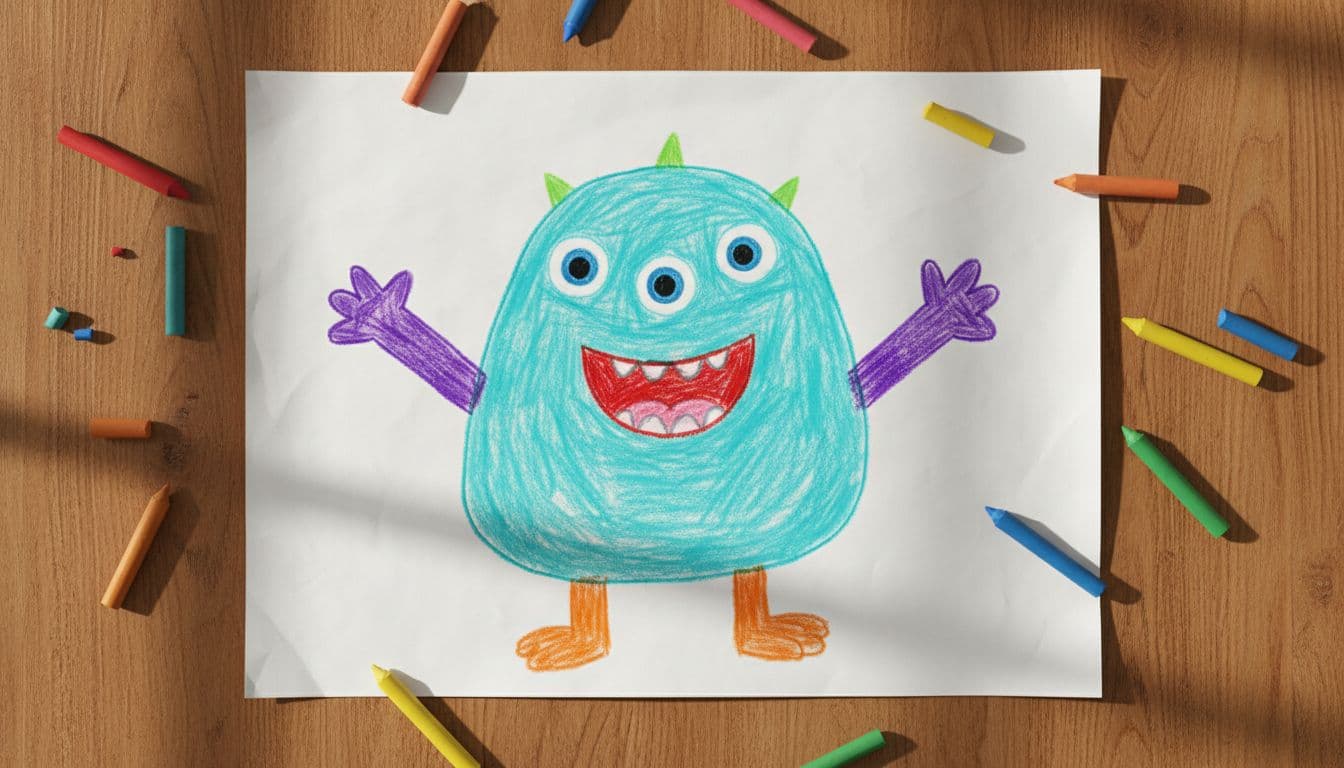
There is a specific face a child makes when the monster they drew this morning says hello to them by name. Somewhere between disbelief and pure delight. AI lip-sync lets you make that message without animation skills. Set it up in the browser, then allow for the paid render's processing time. Here is how to do it well.
What actually happens
You photograph the drawing, upload it, and type what it should say. The AI finds the face — the eyes and the mouth — and animates it speaking, while leaving every crayon stroke as faithfully as the model can. The wobbly lines stay wobbly. The three eyes stay three. That fidelity is the point: it is their drawing talking, not a cleaned-up version of it.
Step 1: Photograph the masterpiece
The animation quality depends mostly on this step:
- Shoot straight-on, not at an angle — flat paper, camera parallel to it.
- Good, even light. Daylight near a window beats a yellow lamp shadowing half the page.
- Fill the frame with the drawing, and if the page has several characters, crop to one face per video.
- Faces need eyes and a mouth. A big-headed monster animates beautifully; a tiny stick figure in a crowded battle scene gives the AI very little to move.
Crayon, marker, pencil, watercolor, digital — all of it works.
Step 2: Decide what it says
This is where the magic is aimed. The lines that land hardest:
- Their name. "Hi Maya! You drew me on a Tuesday and I have loved it here ever since."
- In-jokes from your house. The drawing knows about the missing sock. The drawing has opinions about bedtime.
- Encouragement. Before a first day of school or a big game, a pep talk from their own creation hits different.
- The bedtime story, told by the cast. If your kid draws a recurring character, let it narrate tonight's story.
Keep it to a sentence or two — short reads most naturally, and you can always make another clip.
Step 3: Pick the voice
Type the script in the Drawing studio and choose a playful AI voice — or, the premium move, record your child's own voice in the browser and let the monster lip-sync to it. A drawing speaking in its artist's voice is the version grandparents replay twenty times.
Step 4: Generate and share
Download the HD MP4 a few minutes later and send it to the family group, or save it somewhere safer than a camera roll. Credits start at $5 (1 credit = 1 second of Talking Photo video at 720p), with no subscription required.
Ideas beyond the fridge door
- A talking birthday card from the birthday kid's own drawing — pair it with an AI birthday video for the grown-up version.
- Classroom show-and-tell: every student's artwork introduces itself.
- A yearly time capsule: animate one drawing per year with the same line, and watch the art (and the voice) grow up.
- Grandparent delivery service: the grandkid's drawing personally delivers the thank-you message.
Keepsake advice
Kids' drawings get recycled, lost, or loved to pieces. The talking version is a backup with a soul — the art and the era's voice, in one file. Photograph the originals you care about even if you do not animate them all today; future you will be grateful.
Got a fridge full of candidates? Open the Drawing studio and let the monster speak.