How to Make a Photo Sing: Lip-Sync a Photo to a Song Clip
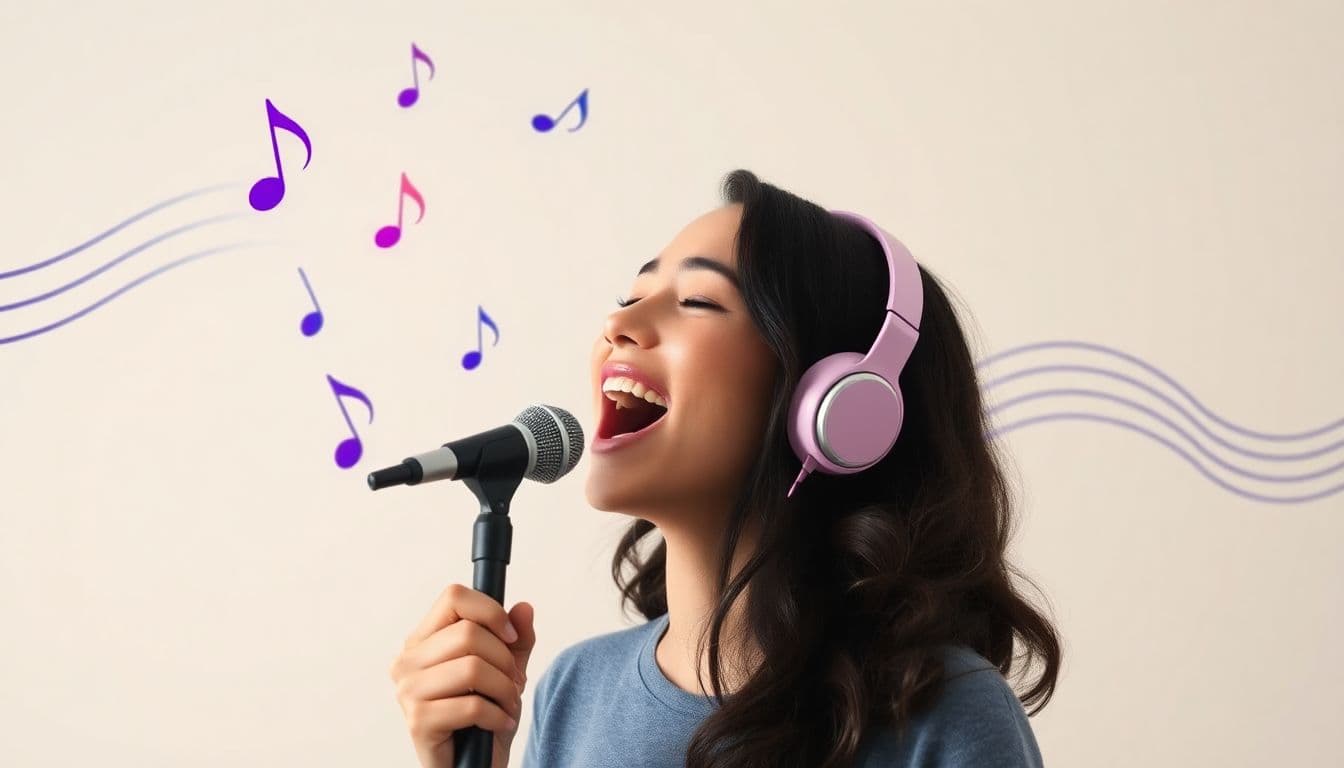
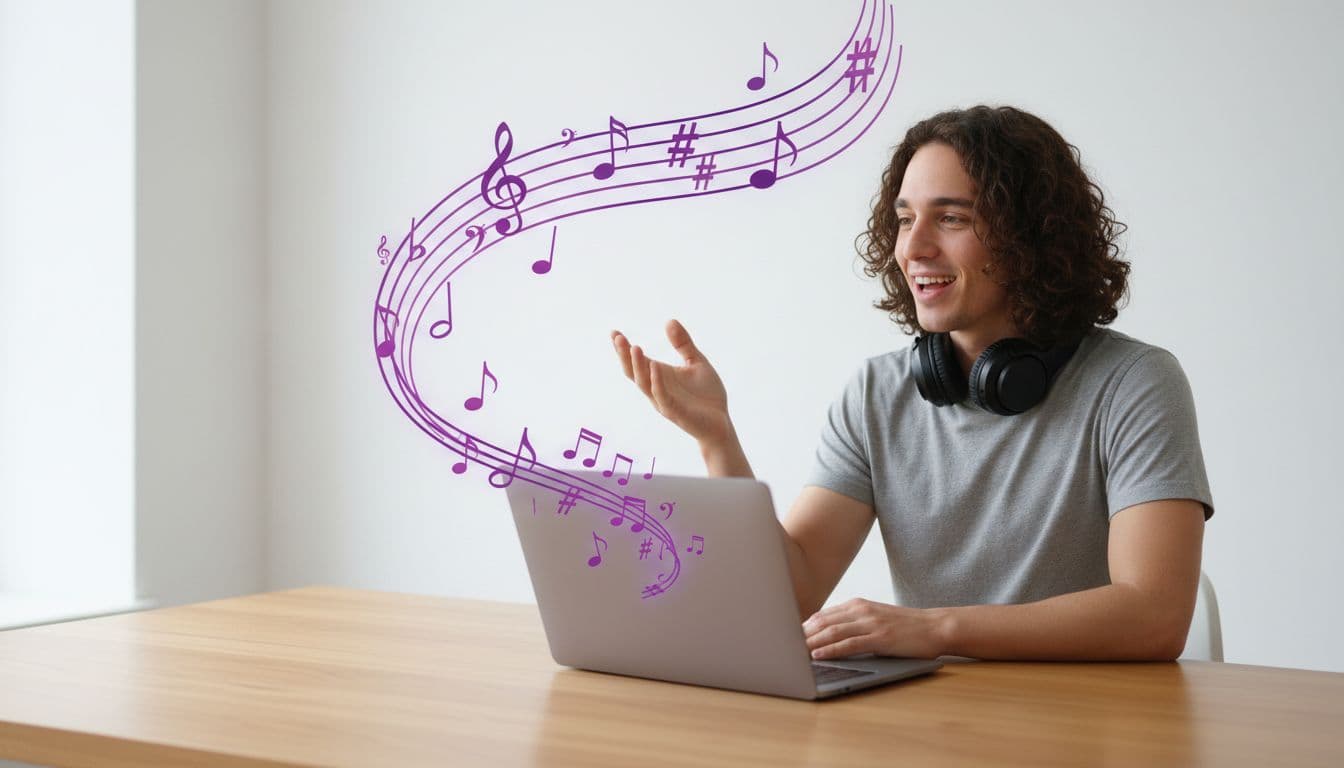
You can make a photo sing by giving it a song and letting the picture lip-sync to it. Instead of typing a script, you feed the tool audio — and the face in the photo mouths every word in time with the music. You can write an original song for it in a couple of minutes, or upload a clip you already have. It is one of the most fun things you can do with a still image.
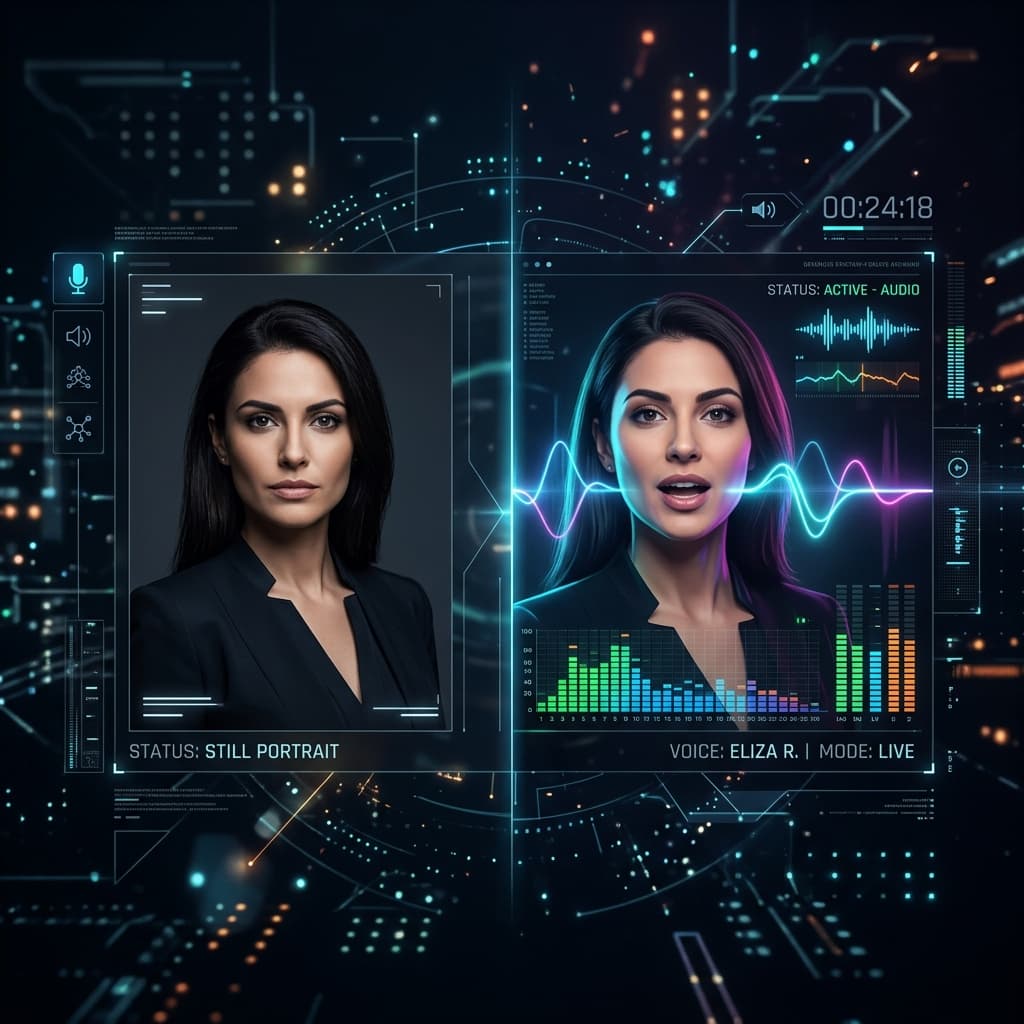
The trick is a feature called audio mode. Most talking picture makers let you type a script and pick an AI voice. Audio mode flips that: you supply the sound, and the photo matches its lips to whatever it hears.
Why a song clip works so well
A spoken message is nice. A photo that sings is the kind of clip people replay, screenshot, and send to a group chat. The reason it lands is timing — the mouth moves with the beat and the words, so the picture feels alive instead of stiff.
Almost any photo works, too. A friend, a grandparent, a pet, or even a cartoon character can carry the tune. That flexibility is what makes this a great party trick or a quick, personal gift — and there are more talking photo gift ideas where that came from.
Step 1 — Pick your photo
Start with a clear, front-facing portrait where the whole face is visible. A few pointers:
- Good lighting and a sharp image give the cleanest lip movement.
- One face per photo — crop group shots down to the single person (or pet) you want singing.
- Face the camera. Extreme side angles are harder to animate.
If you want a broader overview of the tool first, the talking photo generator page walks through the basics.
Step 2 — Get the song
You have two routes here, and they suit different situations.
Write an original song. Describe the style — "warm celebratory birthday pop, 110 BPM, joyful vocal, with her name in the chorus" — and the song generator writes and performs a full track for you, lyrics included. This is the route to take when the song should be about someone: nothing off a streaming service will ever say their name. It also sidesteps the rights question entirely, because the track is original and yours to use.
Upload a clip you already have. Your own singing, a recording you made, a royalty-free or licensed track, or something in the public domain. Only upload audio you have the right to use — especially for anything you plan to post publicly.
Either way, keep what you feed the video short. A single memorable line or one chorus is plenty: short clips sync more cleanly, render faster, and cost less, since the video is billed per second. If you generated a full two-to-four minute song, cut it down to 15–30 seconds before making the video.
Step 3 — Add the audio in the studio
Head to a singing studio, add your photo, and pick the audio. You can write the song right there, choose a track from your saved audio, upload a file, or record yourself singing. The tool listens to the audio and animates the mouth to match the lyrics — this is the same lip-sync technology that powers spoken messages, pointed at music instead.
Because you are supplying the sound, the singing voice is whatever is in that audio. That is what makes it feel real — it is a genuine performance, not a robotic read.
Step 4 — Generate and download
Hit generate and let it render. You get a lifelike HD MP4 where your photo sings the clip, lips matched to the music. The video is yours to keep and share, and commercial use is allowed as long as you hold the rights to the audio and the photo.
Want to hear your own voice on a photo next? The same audio mode handles a recorded message, not just a song — see add your voice to a photo for that workflow.
Quick tips for a clean sing
- Trim tight. Cut the clip to just the line you want. Less audio, faster render, lower cost.
- Use clear vocals. Clips with strong, upfront singing sync better than heavily layered tracks — one reason a generated song works well is that the vocal sits right at the front.
- Make it about them. A song with their name in it beats a famous chorus every time. See personalized song gifts for how to write one.
- Match the mood. A gentle ballad on a calm portrait, a hype chorus on an energetic photo — small choices make it feel intentional.
- Try a few. Credits never expire, so it is easy to test two clips and keep the better one.
What it costs
a subscription is not required. You pay per second in credits, where 1 credit = 1 second of Talking Photo video at 720p, and one-time packs start at $5. A short singing clip is only a few seconds, so a single sing costs very little — check pricing for the packs. Your credits never expire, which makes it easy to come back and make another one whenever a good song comes on.
Making a photo sing is the kind of small, delightful thing AI is genuinely good at. Pick a photo, grab a chorus, and let the picture do the rest.
Make your photo sing
Upload a photo and a song clip — the picture lip-syncs to the music in HD. No editing skills, no subscription required.
Make a photo sing