Creative Talking Photo Ideas: 5 Ways to Bring a Picture to Life
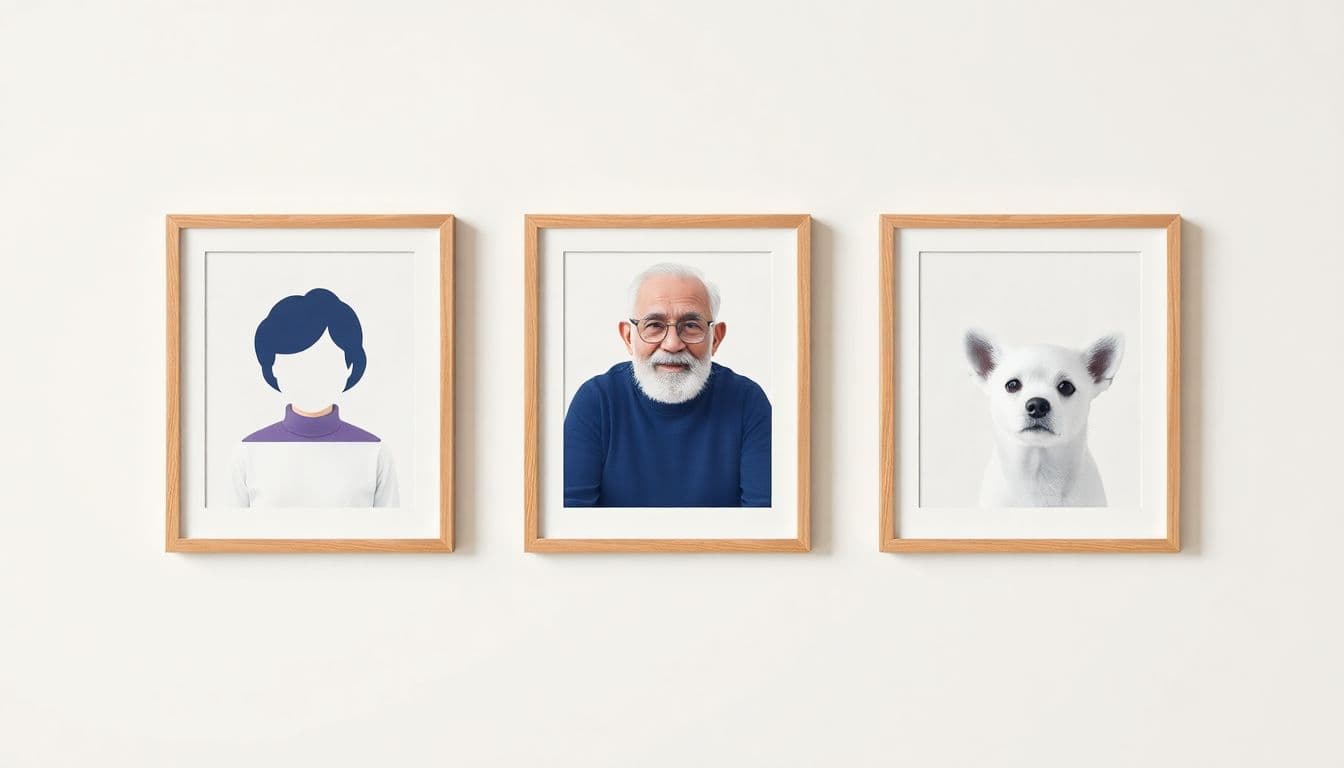
Looking for creative talking photo ideas? A talking photo takes one still picture and makes the face move and speak — a real voice, matched lip movements, a short message. The technology is simple. The fun part is deciding what the photo should say and whose photo does the talking.
Here are five ideas that work, plus how to make each one. Every idea uses the same tool: upload a photo, add a script or your own voice, and create your talking photo.
1. Birthday greetings that get saved
A text saying "happy birthday" disappears in seconds. A photo that speaks the wish gets screenshotted and kept.
Try one of these:
- The birthday person's own photo delivering a message from you.
- A throwback — animate a baby or childhood picture to wish someone a happy 30th.
- A group card where the photo reads out everyone's names.
Keep the message to one or two spoken sentences. See the full walkthrough in our AI birthday video guide.
2. Memorial tributes and remembrance
Hearing a loved one's photo speak again is quietly powerful. A vintage portrait can say a phrase they always used, a greeting for the family, or a short introduction for younger relatives who never met them.
Scan the photo as clearly as you can, keep the words true to the person, and only animate photos your family is comfortable using. For a careful, dignified walkthrough, start with the memorial tribute video page or learn how to animate old photos step by step.
3. Talking pets (the crowd favorite)
Talking photos work with any photo — including your dog, cat, or even a bird. Pick a clear, front-facing shot of your pet's face, then write the kind of thing you'd imagine them thinking.
Ideas that land:
- Your dog "narrating" its own day.
- A cat delivering a sarcastic one-liner.
- A pet wishing someone happy birthday.
It's the easiest way to get a laugh in the group chat. Here's the full guide to talking pet videos.
4. Historical figures who "speak"
Turn a famous portrait, statue, or old painting into a short speaking clip. Teachers use this to open a lesson; history fans use it for fun.
Have a historical figure introduce themselves, read a famous quote, or explain one event in plain words. It makes a static image far more memorable than a caption ever could. Learn how in our guide to making historical photos talk.
5. Personal messages in your own voice
Sometimes the best idea is the simplest: your own photo, saying something real. A thank-you, an apology, a "thinking of you," an invitation — in other words, a personal talking photo message.
You can type a script and pick a natural AI voice, or upload your own audio so the photo lip-syncs to your real voice — which makes it unmistakably personal. Here's how to add your voice to a photo. Want the message in another language? The same photo can speak 10+ languages.
How to make any of these
The steps are the same no matter which idea you pick:
- Upload a photo — a person, a pet, a portrait, whatever fits the idea. Use a clear, front-facing shot.
- Add the words — type a short script, or upload your own voice recording.
- Pick a voice and language if you're using a script.
- Credit packs start at $5. The Mini pack includes 50 credits; a 10-second 720p video uses about $1 in credits.
You download an HD MP4 that plays anywhere — group chats, social posts, cards, slideshows. Commercial use is included.
What it costs
Pricing is simple: 1 credit = 1 second of Talking Photo video at 720p, one-time packs start at $5, a subscription is not required, and credits never expire. A 15-second talking photo costs well under two dollars. Uploaded photos and finished videos are auto-deleted after 30 days.
Pick an idea and try it
TalkPix uses one-time credit packs starting at $5. The Mini pack includes 50 credits, and a 10-second 720p Talking Photo video uses about $1 in credits. Payment is required before generation; a subscription is not required, and credits never expire.
Try a creative talking photo idea
Credit packs start at $5, a 10-second 720p video uses about $1 in credits, and a subscription is not required.
Create a talking photo