10 AI Video Prompt Examples That Actually Work
Most disappointing AI videos come from prompts like "a cool city at night". The model has to guess the subject, the camera, the light, and the sound — and four guesses rarely all land. The fix is structural, not creative genius.
Every prompt below follows the same five-part formula we use in the full text-to-video guide:
Subject + action + setting + camera + light + sound.
Paste any of these into the AI video generator, tweak the subject, and you're most of the way there.
Cinematic & landscape
1. Coastal drone shot
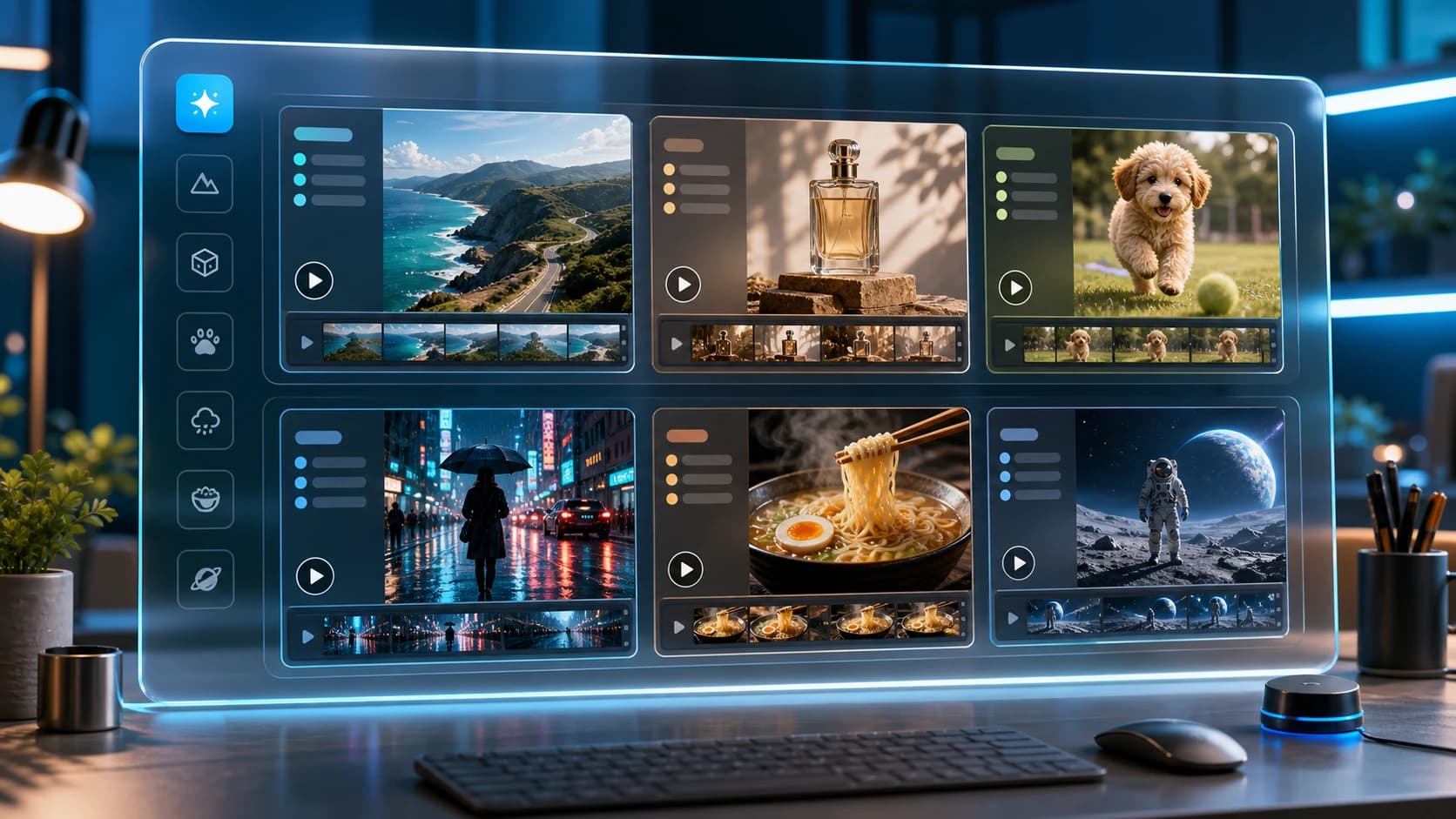
Aerial drone shot flying over a turquoise coastline at golden hour, waves crashing on white cliffs. The camera glides forward, then tilts down over a sailboat. Sound: cinematic orchestral swell, ocean waves, wind.
2. Rainy street mood piece
A narrow old-town street at night in heavy rain, neon signs reflecting in puddles. Slow dolly forward at street level, shallow depth of field. Cool blue-and-pink light. Sound: rain on pavement, distant thunder, soft synth pad.
3. Mountain time-lapse feel
Clouds rolling over a jagged mountain ridge at sunrise, light sweeping across the valley. Fixed wide camera. Golden light breaking through mist. Sound: low ambient drone, wind gusts.
Scenic shots like these double as B-roll for tourism and hospitality marketing — pair them with a talking host from the travel video generator when the clip needs a narrator.
Product & commercial
4. Luxury product pedestal
A sleek perfume bottle on a black marble pedestal, rotating slowly as golden light sweeps across the glass. Water droplets splash around it in slow motion. Studio lighting, luxury commercial style. Sound: elegant piano, soft whoosh.
5. Sneaker drop
A white sneaker falling in slow motion onto wet asphalt, splash radiating outward, camera orbiting 180 degrees around the impact. Dramatic rim lighting. Sound: deep bass hit, slow-motion whoosh, rain ambience.
For ads built around a product photo you already have, the product video ad flow is usually the better tool — it builds the ad from your actual product photo instead of inventing one.
Character & animal
6. Cute pet clip
A fluffy orange kitten chases a butterfly across a sunlit kitchen counter, slides on the smooth surface, and tumbles into a soft towel. Warm morning light, shallow depth of field. Sound: playful ukulele, tiny meows.
7. Sci-fi walk
A lone astronaut walks across a red desert planet toward a massive derelict spaceship half-buried in sand. Dust storms swirl in the distance, twin suns setting. The camera slowly pushes in from behind. Sound: deep ambient drones, wind, heavy breathing.
Food
8. Ramen close-up
Extreme close-up of steaming ramen — chopsticks lift glossy noodles as broth drips in slow motion, chili oil swirling on the surface. Neon restaurant lights bokeh in the background. Sound: gentle sizzle, cozy lo-fi beat.
9. Coffee pour
Espresso pouring into a glass cup in macro slow motion, crema folding over itself, steam curling upward. Fixed camera, dark moody kitchen light. Sound: liquid pour, soft café ambience.
Food shots like these are B-roll; if you want the owner talking over the espresso pour, the cafe video generator handles the talking-head half — and the menu special video maker covers weekly promos.
Abstract / background loops
10. Ink in water
Colored ink blooming underwater in slow motion — violet and teal clouds unfolding against a black background. Fixed macro camera. Sound: deep ambient tone, soft underwater movement.
Test a prompt right now
AI video runs on prepaid credits — 480p is 1 credit per second, and one-time packs start at $5.
Open the AI video generatorWhy these work — the checklist
Before you render, scan your prompt for the five parts:
- Subject — one clear thing the shot is about.
- Action — a verb; motion is what video is for.
- Camera — name the move (track, orbit, push-in, fixed) or the model invents one.
- Light — "golden hour", "neon", "studio" — one phrase sets the grade.
- Sound — always end with a
Sound:line; generated audio is what makes a clip feel finished rather than like a GIF.
Draft at 480p (1 credit/second), then re-render the winner at 1080p — the full guide covers the cost math and aspect-ratio choices.