
Dental Videos for Reminders, Aftercare, and Patient Education
Create calm dental videos from one professional image and an approved script for follow-up, reminders, and clinic communication.
 Real AI video
Dental Aftercare Instructions
Gemini image · AI voice · 720p
Conversion use cases
Built for dentists, hygienists, practice managers, and dental marketers
Start from a real TalkPix output, adapt a script to your audience, and remix the same setup with your own image and message.
Aftercare instructions
Turn approved care steps into a short video patients can rewatch after treatment.
Appointment reminders
Make reminders feel warmer than a plain SMS while keeping the message concise.
Service explainers
Create simple, reviewed clips for checkups, whitening, cleanings, and follow-up care.
Before and after
Original Gemini image to Generated aftercare video
Source image

Generated video
Real AI videoDental Aftercare Instructions
Gemini image · AI voice · 720p
Workflow
Dental Video Generator: from one image to a reusable workflow
Keep the message focused on one audience, one useful point, and one next action so the finished clip is easy to understand.
Choose a clinic-safe image
Use a real staff photo with consent or a generated professional healthcare portrait.
Use approved wording
Keep the script reviewed and focused on one clear instruction or reminder.
Share where patients already are
Use the MP4 in email, patient portals, website pages, or social updates.
Review before publishing
Have the appropriate clinical or compliance owner approve every patient-facing script.
- Do not include private patient information in prompts, scripts, images, or audio.
- Verify care instructions, claims, timings, and emergency guidance with the practice.
- Use the video for approved communication, not individualized medical advice.
Scripts to remix
Dental Video Generator scripts to personalize
"For the next twenty-four hours, follow the care instructions, drink water, and call us if anything feels unusual."
Best for follow-up after a procedure.
"Quick reminder: your checkup is coming up. A few minutes now can prevent a much bigger problem later."
Use for appointment reminders.
More examples
More dental video generator examples
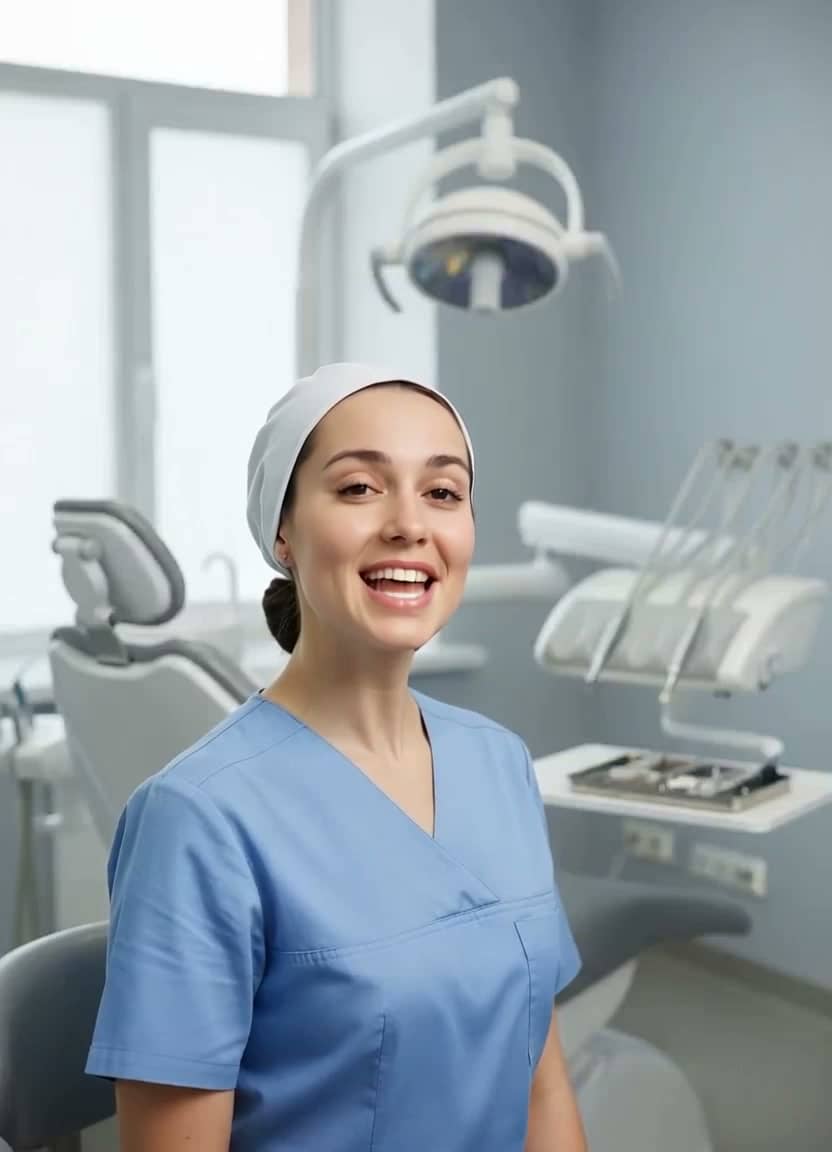 Watch example
Dental aftercare
Gemini image · AI voice · 720p
Healthcare video
Dental Aftercare Instructions
Best for dental aftercare, patient follow-up, clinic email, and reminder videos.
View script and remix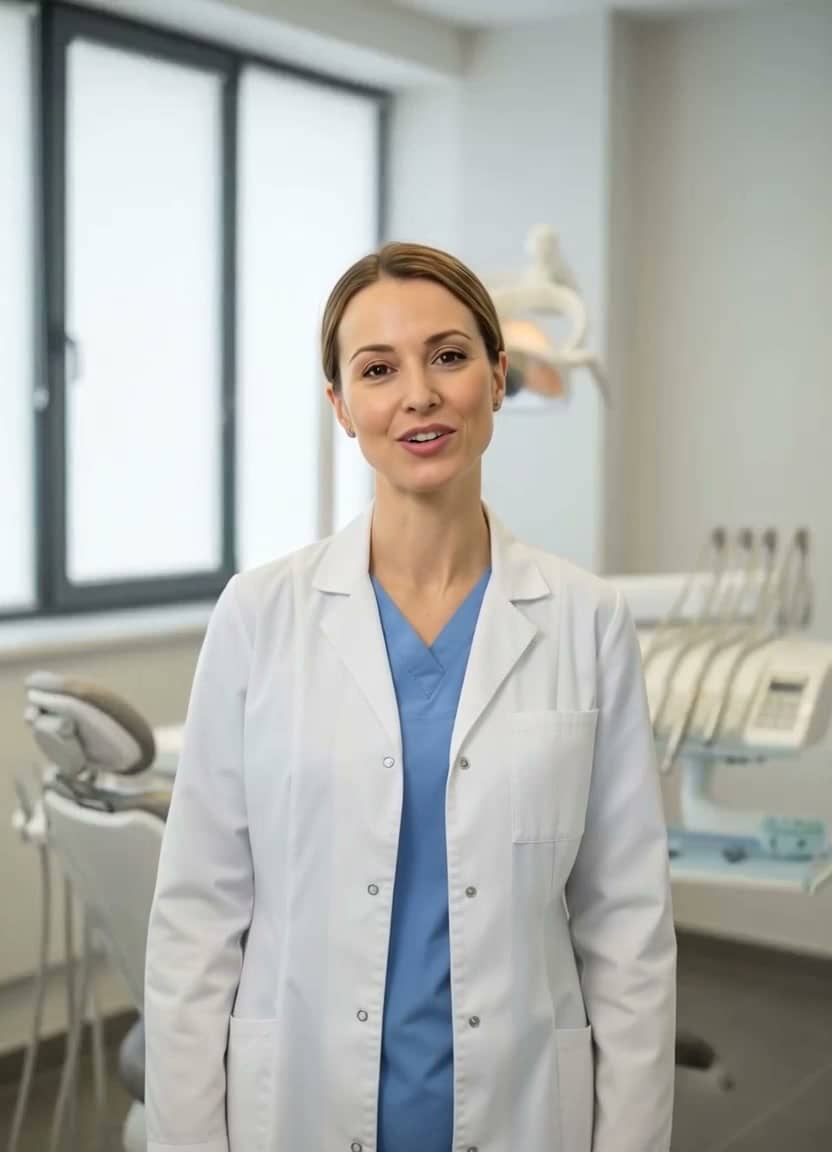 Watch example
Dentist reminder
Gemini image · AI voice · 720p
Healthcare reminder video
Dentist Appointment Reminder
Best for clinic reminders, dental marketing, patient education, and friendly appointment follow-ups.
View script and remix Watch example
Clinic welcome
Gemini image · AI voice · 720p
Clinic video
Clinic Welcome Message
Best for clinic welcome messages, front-desk communication, patient portals, and website intros.
View script and remixRelated resources
Tools and templates for dental video generator
Compare nearby use cases, open a matching script template, or move into the studio when you are ready to create.
Clinic videos
Create clinic welcome videos, practice updates, and patient communication clips from one photo. See examples and remix in TalkPix.
Open pagePatient education
Create patient education videos from one approved image and script. See healthcare examples, scripts, and remix in TalkPix.
Open pageDental Reminder Video Scripts
Copy dental reminder video scripts for checkups, aftercare, and patient follow-up. See examples and remix in TalkPix.
Open pagePatient Education Video Scripts
Copy patient education video scripts for clinics, portals, and healthcare reminders. See examples and remix in TalkPix.
Open pageHealthcare video generator
Create broader clinic and patient communication videos.
Open pageTalking photo generator
Turn one photo and a script into a talking video.
Open pageAI avatar generator
Create reusable spokesperson-style videos for business content.
Open pagePricing
One-time credit packs with no subscription required.
Open pageFAQ
Dental Video Generator questions
Can I remix the dental video examples?
Yes. Open any example, review the input image and script, then use the remix CTA to start from the same setup with your own image and wording.
Can TalkPix replace medical advice?
No. Use it for approved practice communication. Clinical claims and care instructions should be reviewed by your dental team.
Do I need a subscription to use TalkPix?
No. TalkPix uses pay-as-you-go credit packs from $5. Credits never expire, and a monthly subscription is optional.
Can I use the generated videos commercially?
Yes. Commercial use is included when you have the rights and consent for the source image, script, product content, and audio you use.
Create from this page
Create your own dental video generator
Open the matching TalkPix studio with the example setup ready, then swap in your own photo, script, and voice direction.
Guides
Learn more before you start
How to create video ads with AI
A practical, step-by-step workflow from one product photo to a finished ad.
Read the guideTurn a product photo into a video ad
Turn one image into usable, testable video ad creative.
Read the guideUGC hooks for product video ads
Hook formulas for short product videos on TikTok, Reels, and paid social.
Read the guide