Kling 4.0 Price Per Second, and When a Cheaper Model Is Enough
Kling 4.0 is Kuaishou's newest video model, and the question most people search first is the obvious one: what does it cost? On TalkPix it runs at 6 credits per second at 720p and 9 credits per second at 1080p, paid from one-time credit packs. There is no monthly plan, and the exact total is shown before anything renders.
This post covers what that buys you, what actually changed from Kling 3.0, and when a cheaper model in the same studio is the better pick.
What changed in Kling 4.0
The headline change is length. Kling 4.0 renders a single take from 3 up to 30 seconds. Kling 3.0 tops out at 15. That sounds like a spec-sheet detail, but in practice it decides whether a scene plays out in one shot or has to be stitched from two clips that never quite match.
Three other things matter on TalkPix:
- Native sound on every clip. Kling 4.0 always generates audio with the picture: waves, footsteps, engines, a dog's bark. It is not charged separately.
- First and last frame. You can start from your own image and, optionally, set the frame the clip should end on. Kling 3.0 runs from a prompt only in our studio.
- 720p and 1080p. Kling 3.0 keeps a 4K option that Kling 4.0 does not have here.
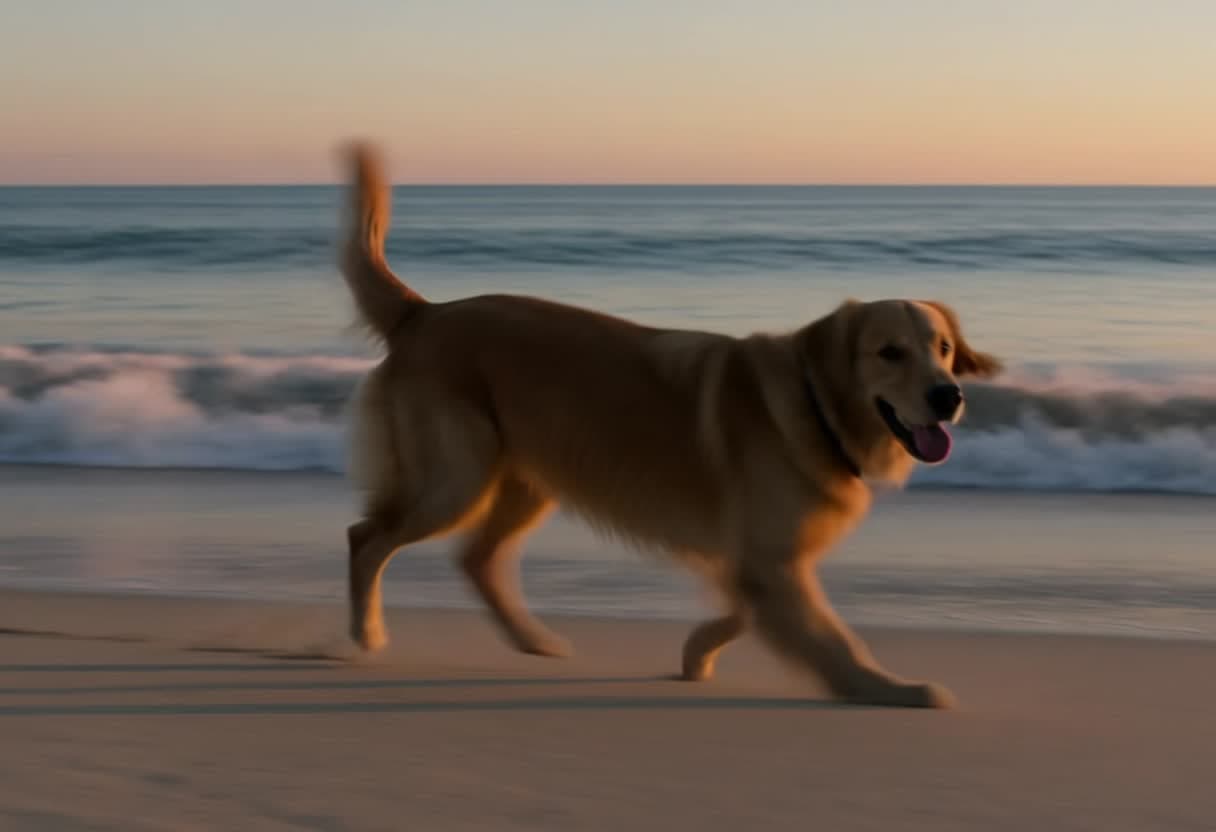
We ran a short test before adding it: a 3-second 720p prompt of a golden retriever on a beach came back as a clean 1280×720 file with a real stereo soundtrack, no watermark, in a little over four minutes. Longer clips take longer.
The price, in plain numbers
| Clip | 720p | 1080p |
|---|---|---|
| 5 seconds | 30 credits | 45 credits |
| 10 seconds | 60 credits | 90 credits |
| 30 seconds | 180 credits | 270 credits |
Credit packs start at $5 for 50 credits, and larger packs lower the price per credit. Credits never expire, so a pack bought for one project is still there for the next. A render that fails is refunded automatically.
When Kling 4.0 is worth it
Pick Kling 4.0 when the clip needs both of these:
- More than a few seconds of continuous action: a walk-through, a product reveal that turns all the way around, a short story beat.
- Its own sound, so the clip is ready to post without an editor.
If either is missing, you are paying for something you won't use.
Cheaper models that do the job
All of these are in the same AI Video studio, so switching costs nothing but a click:
- Seedance 1.0 Pro Fast: 1 credit per second at 720p, 2 at 1080p. The cheapest HD clip we sell, and fast. It is picture only, so it suits B-roll, backgrounds and anything you'll put music or a voiceover on later.
- Hailuo 2.3: 2 credits per second. MiniMax's photo-to-video model. Upload a photo, describe the motion, and get a 6 or 10 second clip. Also picture only.
- P-Video 2 Pro: from 1 credit per second, with sound. The right call for short clips with sound that don't need Kling's cinematic polish.
- Kling 3.0: 6 credits per second at 720p. The same 720p price as Kling 4.0, up to 15 seconds and up to 4K. Choose it when you need 4K, not length.
A simple way to decide: draft the idea on a cheap model, and render the final take on Kling 4.0 once the prompt reliably produces what you want.
Prompting Kling 4.0 for long takes
Long clips reward structure. Write the scene in the order it happens, and say what the camera does:
A woman in a yellow raincoat walks out of a café into the rain, opens her umbrella, crosses the street as a tram passes behind her, and stops at a flower stall. The camera follows at shoulder height, then rises as she pays. Sound: rain on the umbrella, the tram bell, street chatter.
Name the sounds you want. If you leave them out the model still generates audio, but it picks the sound for you.
Try it
Open the studio with Kling 4.0 selected, type a prompt or add a first frame, and check the credit total before you render. If you're comparing it with other no-subscription tools, our guide to AI video without a subscription covers the wider picture.