Hailuo 2.3 Without a Subscription: Photo to Video, Pay Per Clip
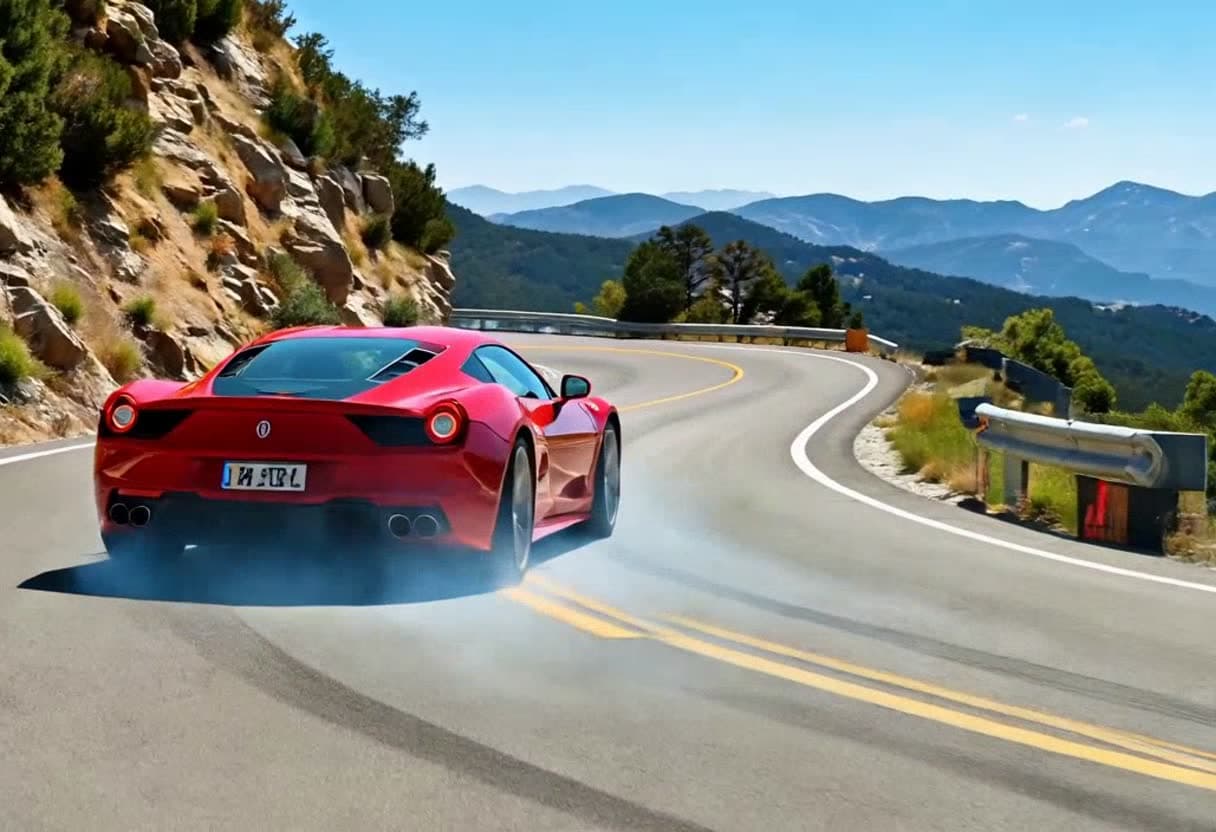
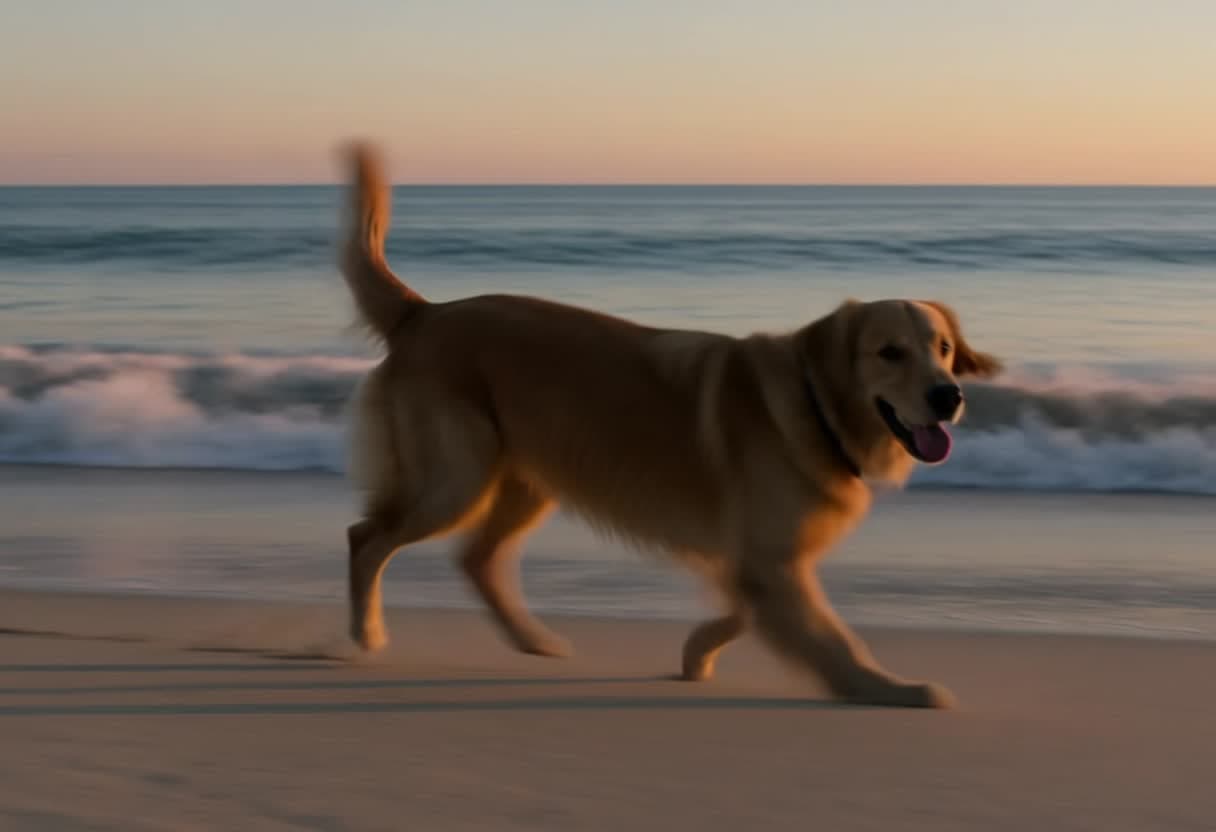
Hailuo is MiniMax's video model family, and version 2.3 has a reputation for one thing in particular: natural motion from a still photo. Faces that smile and turn without melting, pets that look up, cars that actually drive off. If you've seen it on social media and want to try it without signing up for a monthly plan, this is how it works on TalkPix.
What Hailuo 2.3 does on TalkPix
You upload a photo and describe what should happen. Hailuo 2.3 animates that photo into a short clip:
- 6 or 10 seconds, at 720p (the model's 768p tier).
- The clip keeps your photo's shape. A portrait stays portrait, a landscape stays landscape.
- Picture only. No soundtrack is generated, so add music or a voiceover in your editor.
The version we run is image-to-video only, so the studio asks for the photo first. For video from text alone, use another model in the same studio (more on that below).
What it costs
Hailuo 2.3 is 2 credits per second:
- 6-second clip: 12 credits
- 10-second clip: 20 credits
Credit packs start at $5 for 50 credits, with lower per-credit prices on larger packs. That's enough for several 6-second Hailuo clips from the smallest pack. Credits never expire, a subscription is not required, and the exact cost is shown before the render starts. A failed render is refunded automatically.
For comparison, MiniMax's other model in the studio, MiniMax H3, is 4 credits per second at 720p. So Hailuo 2.3 is half the rate when you're starting from a photo anyway.
Getting good results from a photo
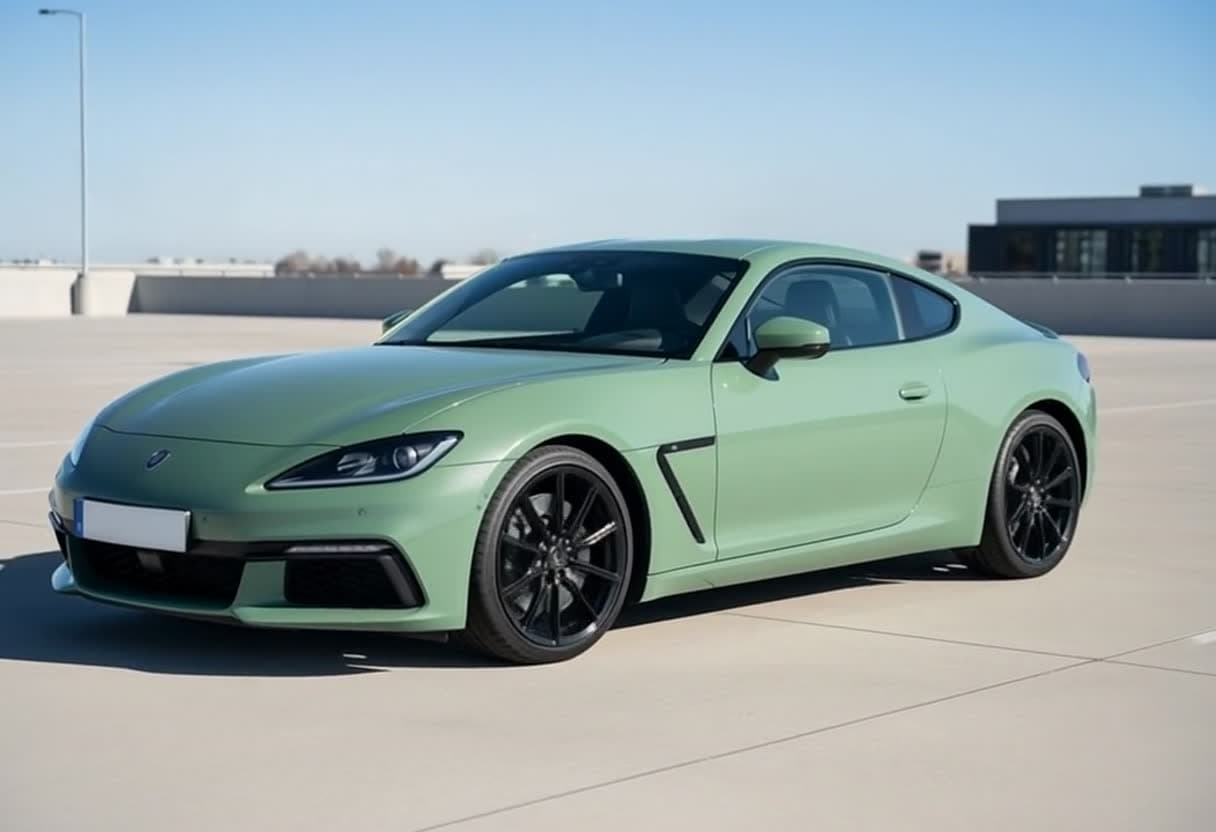
We tested it on two stock photos before adding it: a portrait of a man and a green sports car. Both came back in about a minute, with the subject kept: the same face, the same car, nothing swapped. A few things help:
- Use a sharp, well-lit photo. Blurry or very dark photos give the model less to hold on to.
- Describe motion, not the photo. The model can see the photo. Tell it what changes: "He smiles, turns his head toward the camera and waves."
- Say what the camera does. "Slow push-in", "the camera tracks alongside", "handheld". Camera direction makes a 6-second clip feel intentional.
- Keep it to one or two actions in 6 seconds. Use 10 seconds when the action needs room.
Example prompt for a car photo:
The green sports car pulls slowly away across the empty rooftop car park, sunlight gliding over its paint, the camera tracking alongside it, clear blue sky.
When to pick a different model
- You need sound: Kling 4.0 generates audio with the picture and also accepts a first frame. It's 6 credits per second at 720p.
- You don't have a photo: Seedance 1.0 Pro Fast works from text alone at 1 credit per second, picture only.
- You want the person to talk: that's a different job. Talking Photo lip-syncs a portrait to your script or your own audio.
- You need several identity references or 2K: MiniMax H3 handles both.
Try it
Open the studio with Hailuo 2.3 selected, add your photo, write what should happen, and check the credit total before you render. For the full list of models and their per-second rates, see the cheapest AI video generator, compared.