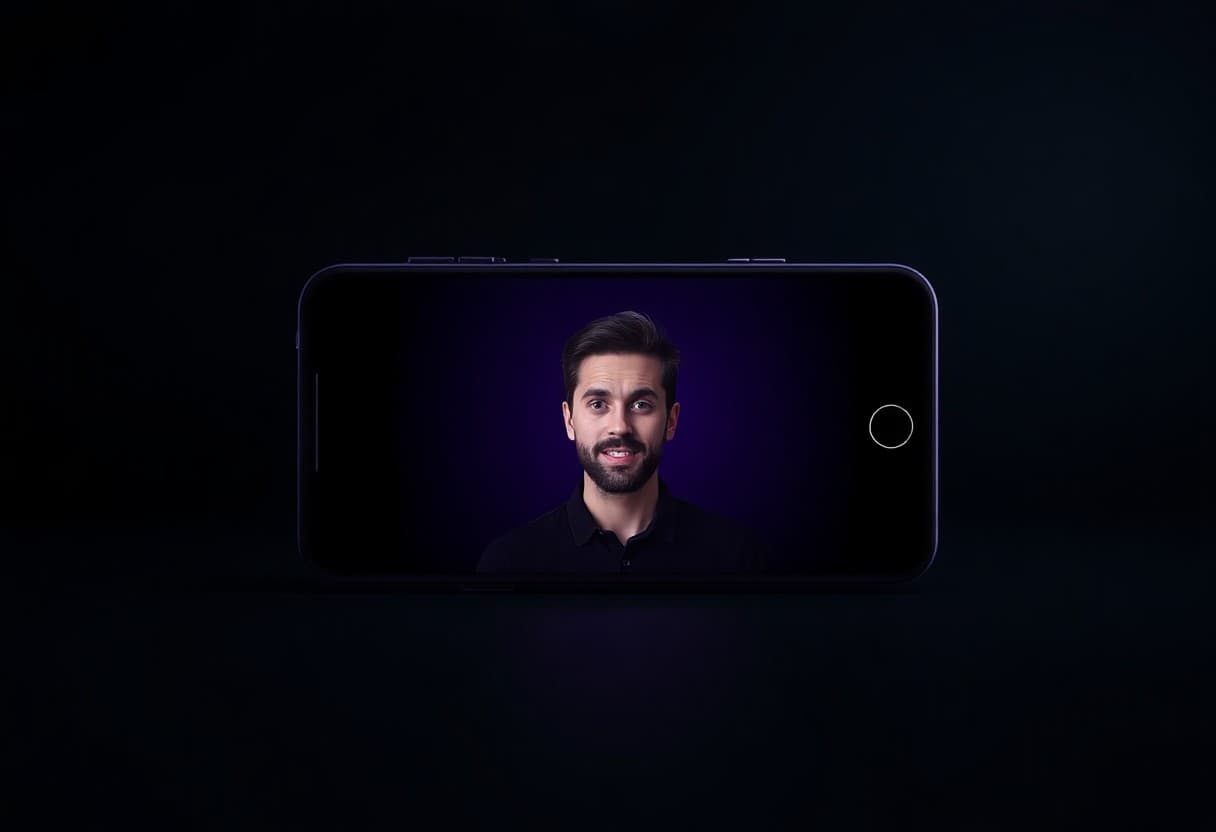
Is There a Free Talking Photo Maker? The Honest Answer
You have one photo and you want it to talk. Maybe it's for a birthday message, a class project, a small ad, or you just want to see whether the trick actually works. So you search "free talking photo" and get a wall of apps that all say "free" and then ask for your card anyway.
TalkPix uses one-time credit packs starting at $5. The Mini pack includes 50 credits, and a 10-second 720p Talking Photo video uses about $1 in credits. Payment is required before generation; a subscription is not required, and credits never expire.
What "free" usually means
Let's be straight, because most pages aren't. When a talking photo maker advertises "free," it's almost always one of these:
- A watermark you can't remove unless you upgrade — which makes the clip useless for anything public.
- A trial that auto-renews into a monthly subscription you have to remember to cancel.
- A daily cap you hit in about ten minutes.
- Your data as the price. Some tools keep broad rights over the faces and voices you upload. Read that clause before you upload a family photo.
None of this is a conspiracy — it's arithmetic. Rendering an AI video burns real GPU time every single time someone presses generate. A tool handing that out with no limit is recovering the cost somewhere you can't see.
TalkPix took the other route: charge a small amount up front, with no subscription required. Payment happens before the render starts, and a one-time credit pack never renews, so there is no surprise charge next month.
How to make a talking photo, step by step
The whole thing takes about two minutes.
1. Pick a clear photo
Use a photo where the face is well-lit, facing roughly forward, and not blocked by sunglasses or a hand. A phone selfie works fine. A single face fills the frame better than a group shot.
One important rule: only upload a photo you have the right to use. Your own face, or a photo you have permission to use, is fine. Using someone else's face to make them "say" something they didn't is not allowed and not okay. Our terms spell this out, and it matters because impersonation and deceptive videos hurt real people.
2. Add what it should say
You have two easy options:
- Type a script. The photo will speak your text in an AI voice. Good when you don't want to record yourself.
- Upload a voice clip. The photo lip-syncs to your own audio. Good when you want it to sound like a specific person, with their consent.
Keep the first one short — one or two sentences. A short clip renders faster, costs fewer credits, and is the sensible way to learn how your particular photo behaves.
3. See the price, then check out
TalkPix requires payment before AI generation. Eligible new customers can render their first Talking Photo — up to 20 seconds at 720p, typed script — for $1.99 one-time. Reusable credit packs start at $5 and credits never expire.
4. Download the clean file
When the render finishes you get an MP4 with no watermark, yours to download, share, or use commercially. Commercial use is included on every pack — you don't pay extra to put it in an ad.
You can start the whole flow on the create page whenever you're ready.
What it actually costs
TalkPix uses a simple system: 1 credit = 1 second of Talking Photo video at 720p, and credits never expire. There is no monthly fee.
Pricing stays pay-as-you-go: 1 credit covers 1 second at 720p, packs start at $5, and unused credits never expire.
- Mini: $5 for 50 credits
- Starter: $10 for 120 credits
- Creator: $25 for 350 credits
- Pro: $50 for 800 credits
That's it. No "starting at" asterisk, no auto-renew, no charge next month. You can see the full breakdown on the pricing page.
Compare that to the usual talking-photo apps, which lean on monthly subscriptions. If you only need one or two videos, paying a recurring fee for a whole month is a bad deal — and a "free" trial that quietly becomes one is a worse deal. Paying a couple of dollars once, keeping the credits, and walking away is a much better fit. We wrote more about that math in the cheapest way to make an AI talking video, and about skipping recurring fees entirely in AI video without a subscription.
Is the $5 Mini pack worth it?
That depends on what you're doing, so here's a straight answer either way.
It's worth it when:
- You're sending the video to a client, a customer, or a public audience, and a watermark looks unprofessional
- You want a clean file saved to keep
- You're making a product ad or something for your business
It probably isn't worth it when you're just curious what the effect looks like in general — for that, watch the sample videos on the talking photo page and spend nothing. We'd rather you look first than buy a render you didn't want.
For business use, TalkPix also makes AI product videos on the same pay-once basis, priced in the same credits.
A few honest limits
To keep this useful and not hype:
- Languages. TalkPix supports around 10 languages, not "50+." If yours is common you're likely covered; check before you plan a big project.
- Photo quality in, quality out. A blurry or badly lit photo makes a rougher video. Spend the extra ten seconds picking a good one.
- Rights and consent are on you. Only use faces you're allowed to use. No impersonation. This isn't fine print we hide; it's the line between a fun tool and a harmful one.
- It's AI, not magic. Lip-sync is good but not flawless on every photo. Start with a short script so your first render is a cheap one.
If you want to compare options, we rounded up several tools in the best talking photo apps, and there's a plain-language overview on our talking photo page.
The bottom line
If you came here hoping for a genuinely free talking photo with a clean download, we're not going to pretend we have one. Nobody really does — the ones that claim it are charging you in watermarks, subscriptions, or data.
Open the studio when you are ready, then choose a one-time pack from $5. There is no subscription or recurring charge.
Ready? Head to the create page and make your first talking photo. You can also render without any recurring fee on our no-subscription AI video tool.