How to Create an AI Influencer (Step by Step)
Making one good-looking AI person is easy. Making the same AI person forty times, across forty posts, is the part almost everyone gets wrong — and it's the only part that matters, because an audience can't follow a character it doesn't recognize.
This guide walks through creating an AI influencer that survives past post four: how to design the persona, how to keep the face stable, how to keep the content queue full, and what the whole thing costs per post.
What an AI influencer actually is
An AI influencer — sometimes called a virtual influencer — is a fictional creator with a consistent face, voice, and personality that publishes like a human creator does. The account is real, the audience is real, the engagement is real. The person is a character.
That last part isn't a technicality to hide. Most major platforms now expect realistic AI-generated people to be labelled, and building the disclosure in from day one is far easier than retrofitting it after an audience feels misled. There's a fuller breakdown in the guide on AI influencer disclosure rules.
Step 1: Design the persona before you generate anything
The instinct is to open an image generator and start prompting faces. Resist it. A face without a point of view produces an account with nothing to post.
Decide these first:
- Niche and audience. "Lifestyle" is not a niche. "Sustainable fashion for people who hate shopping" is.
- Content pillars. Three to five recurring themes. These become your posting calendar.
- Personality and values. How they talk, what they find funny, and — just as usefully — what they never talk about.
- Voice and speaking style. Warm and conversational reads very differently from dry and authoritative.
- Catchphrases and sign-offs. These are what make a creator feel like a person rather than a stock photo.
Only then the visual half: face, hair, eyes, skin, body type, signature style, the locations they're usually seen in, and the colour palette of the grid.
In the AI Influencer studio, all of this is saved as one persona record rather than a prompt you retype. That distinction is the whole game — every later generation reads from the record.
Step 2: Lock the face with reference images
A single portrait is a weak anchor. It shows one angle, one expression, one light setup, so the moment you ask for a new scene the model starts improvising and the jawline drifts.
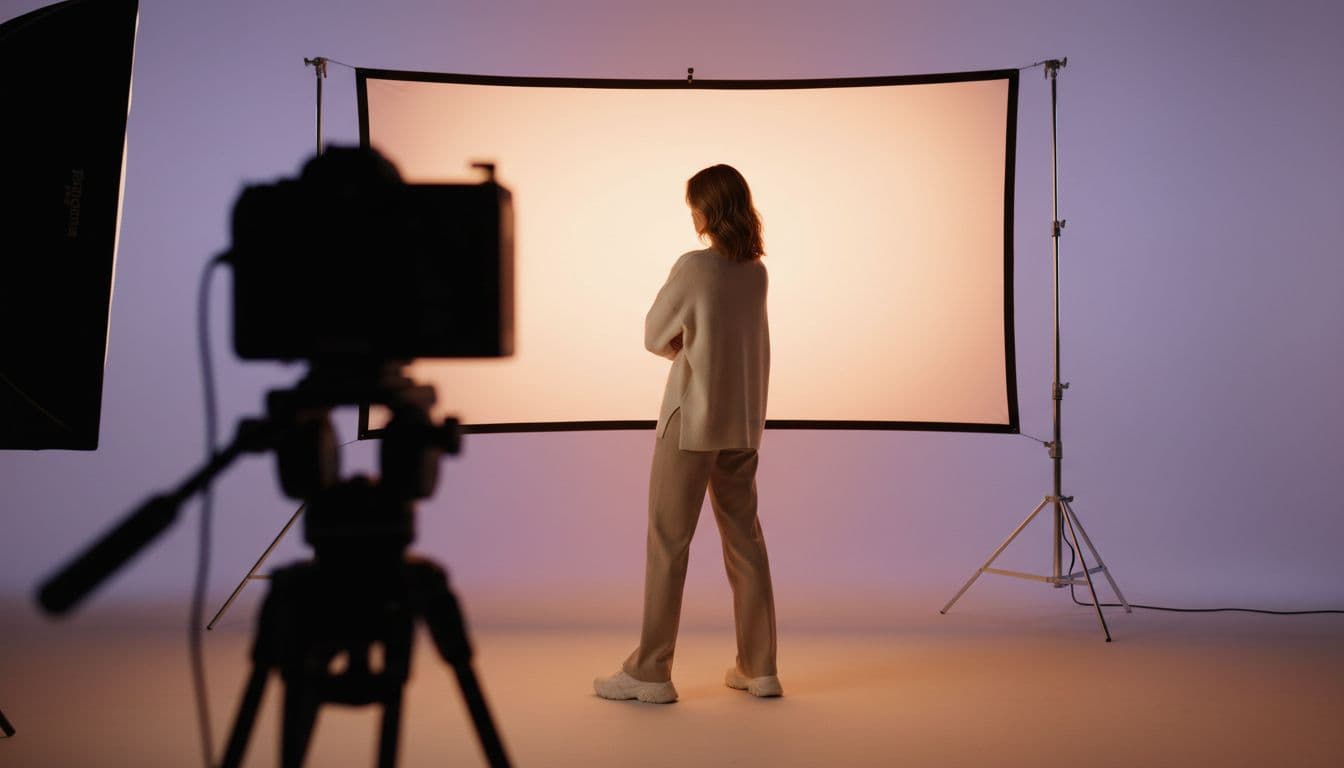
The fix is a repeatable multi-angle reference set of the same person, in the same outfit, lighting, camera distance, and location:
- Image 2: a full-body view from the right
- Image 3: a full-body view from the left
- Image 4: a full-body view from behind
Generating all three is recommended for stronger identity consistency. Together with the front-facing primary image, they show the model the creator's face, hairstyle, body proportions, and styling from every side. Those references travel with the persona into every new scene, which is what holds the identity steady when the location, outfit, or camera changes. Each reference image is rendered with Seedream 5 Pro at 2K, costs 7 credits, and is stored in your library, so you generate it once and reuse it indefinitely. Premium 2K renders can take two to four minutes, but the extra wait produces a much more natural photographic result.
You can also start from a portrait you already have rights to instead of generating one — the studio asks you to confirm permission before it will accept an upload, and it only builds adult personas.
For a deeper look at why consistency is the hard problem, the virtual influencer creator page goes into how the identity record is structured.
Step 3: Solve the content problem, not the rendering problem
Here's where most AI influencer projects quietly die: not at rendering, but at "what do I post tomorrow." Rendering is a solved problem. Inventing the fortieth post in a character's voice is not.
Work from a planner instead of a blank prompt. Give it the platform, a goal, the content pillar, and a topic, and get back specific ideas written for that character:
- Platforms behave differently — a TikTok, an Instagram Reel, a YouTube Short, and an Instagram feed post are four different jobs, not one asset resized.
- Goals change the idea. Content built for growth looks nothing like content built for sales.
- Formats that reliably work in short-form: product shoutout, storytime, quick tip, POV/reaction, and motivation/trend.
A batch of five ideas costs 1 credit. Expanding one into a full scenario — hook, shot description, timed beats, spoken script, captions in two lengths, hashtags, call to action, cover text, and alt text — costs another. At that price, planning stops being the bottleneck.
Step 4: Post in more than one format
An account that only posts talking videos looks like a content mill. Real creator accounts mix formats, and all three should come from the same saved identity so the person never changes between them:
- Talking video — the persona delivers your script with synced lips. 1 credit per second at 720p.
- Motion clip — a short scene with real camera movement and native audio, good for hooks. 3 credits per second at 720p on Seedance 2.0 Mini.
- Images — photorealistic 2K feed posts, carousel frames, and thumbnails with Seedream 5 Pro. 7 credits each.
Export in the ratio the surface actually wants: 9:16 for Reels, Shorts, and TikTok; 3:4 or 1:1 for portrait and square feed posts.
What it costs per post
Credit packs start at $5 for 50 credits and never expire, so the maths is easy to sanity-check:
- Persona or scene image at 2K — 7 credits, about $0.70
- Five post ideas, or one full scenario — 1 credit, about $0.10
- 15-second talking video at 720p — 15 credits, about $1.50
- 5-second motion clip at 720p — 15 credits, about $1.50
A realistic week — three Reels and a few feed stills — lands in the single-digit dollars. That is the number that makes a daily posting habit survivable, and it's why the format works for people who'd never fund a shoot.
Common mistakes
- Re-prompting the face every time. If your character lives in a prompt you paste, it will drift. Save it.
- Skipping the niche. A beautiful persona with nothing to say produces an account nobody follows.
- One format forever. Mix talking, motion, and stills.
- Hiding the AI. Label it. Platforms increasingly require it, and audiences reward creators who don't pretend.
- Impersonating a real person. Build a character, not a likeness of someone who exists.
Where to go next
If you want the persona to front a channel rather than a personality account, the faceless video generator guide covers that angle. If you want it working for brands, AI UGC creator covers using one saved creator across campaigns. And if Instagram is the target specifically, AI influencer for Instagram gets into feed-versus-Reels formats and captions.
The short version: spend your effort on the persona and the pillars, save the identity so it stops drifting, and let the planner carry the part that usually kills these projects.
Build an AI influencer that stays consistent
Save one original adult creator identity, plan posts around it, and generate images, talking videos, or motion clips from the same face.
Open the AI Influencer studio