Unboxing Video Scripts for Product Reveals and Giftable Items
Copy three unboxing scripts for gifts, apparel and tech, with shot notes and placeholders for the item actually in your package.
Built for ecommerce teams, marketplace sellers, product launch teams, and agencies. Start with a template, replace the placeholders with real details, and preview the delivery before exporting a full video.
 Real AI video
E-commerce Product Video Ad
AI voice · vertical MP4
These templates pair editable narration with a shot plan for your own package footage. The linked TalkPix examples illustrate AI-presenter delivery and remix setup. Film the actual opening and contents yourself, then check the selected variant, included items and setup before recording or editing the finished sequence.
Review before publishing
Check product accuracy and advertising claims before launch.
- Compare labels, colors, proportions, and product details with the source image.
- Use only benefits, prices, reviews, and performance claims you can substantiate.
- Confirm the final format and copy meet the destination platform's current ad rules.
Templates
Unboxing Video Scripts to copy and adapt
Use these as starting points. Replace generic phrases with your real offer, location, product, or audience before rendering.
"Let's open [gift set name]. Inside are [included item one], [included item two] and [verified insert or accessory]. Here is how each piece is packed. Check [personalization option] and the current delivery estimate before you order."
Shot plan: closed package, lid removal, every included item laid out, then a personalization close-up. Film the actual order configuration and remove any line your footage or listing cannot support.
"This is [garment name] in [ordered size and color]. The label lists [verified fabric composition]. Here are the seams, fastening and included pieces, followed by the measurements shown in the listing. Check the size guide for your fit."
Shot plan: open the parcel, show the label and variant, inspect the construction, then measure the garment. Tie fit comments to a real wearer or measured dimensions; do not invent a first-use review.
"Opening [product name] for [compatible device]. The box includes [verified contents]; [extra accessory] is sold separately. Here is [documented setup step]. Check the supported connection and compatibility list before you choose."
Shot plan: package seal, actual contents, ports or connectors, then documented setup. List only supplied accessories; omit the sold-separately line if it does not apply. Record genuine operation when making a performance claim.
Writing notes
Make each unboxing video scripts specific
The template gives you a starting structure. Replace it with details your real audience will recognize and trust.
Match each line to a visible shot
Keep a shot list beside the script: package, contents, useful detail and next action. Remove unused brackets and optional clauses before recording. Use the presenter examples as narration or cut-in references; actual box-opening footage must come from your own item and package.
Separate inventory facts from opinion
Copy contents, materials, dimensions and setup from your own documentation. Mark optional accessories and selected variants. Use first-person opinions only for a real speaker who has used the item and approved the wording; an AI voice is not an independent customer review.
Make the reveal easy to follow
Show the contents in the same order as the narration, hold close-ups long enough to read important details, and add reviewed captions for sound-off viewing. End on the actual product and a useful next step such as the size guide, compatibility list or personalization options.
Matching examples
See unboxing video scripts in a real video workflow
 Watch example
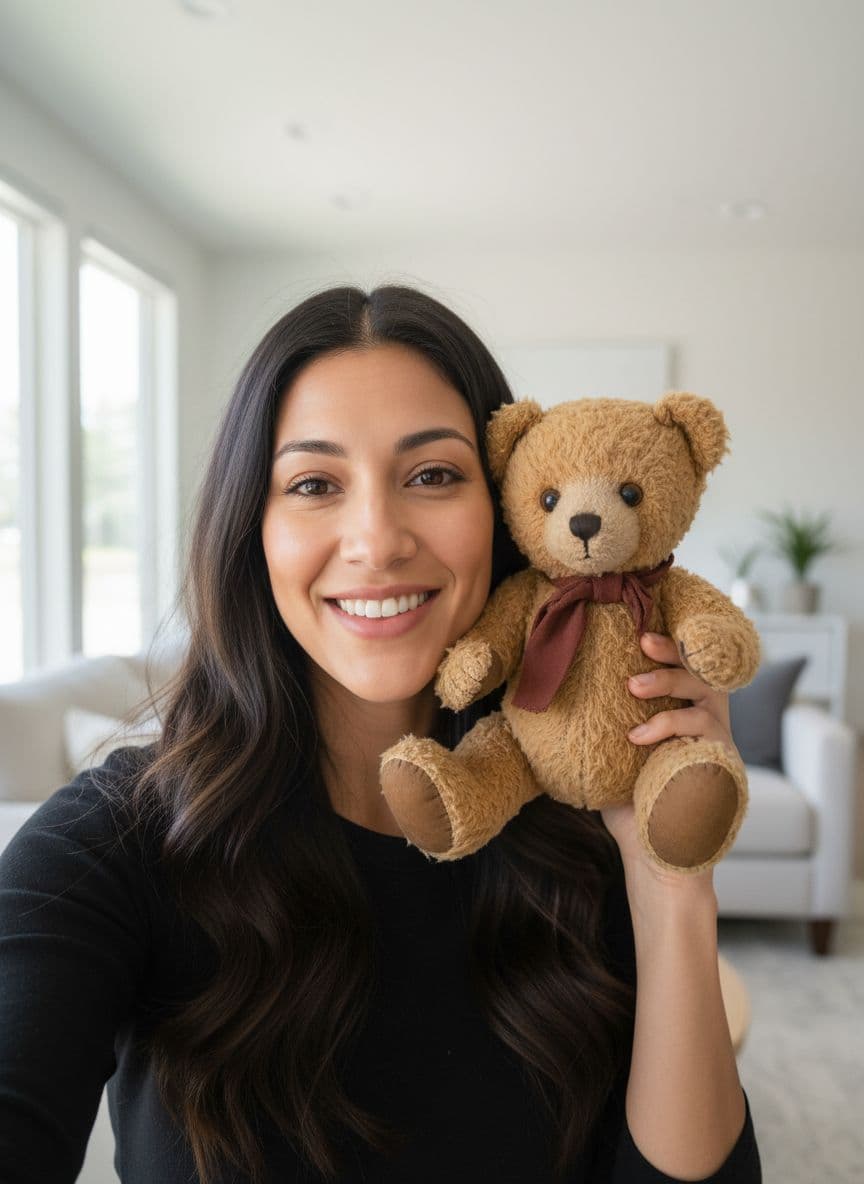
E-commerce ad
AI voice · vertical MP4
Product video ad
E-commerce Product Video Ad
Best for product page videos, paid social tests, Etsy listings, Shopify ads, and gift-product promos.
View script and remix Watch example
Apparel ad
AI voice · vertical MP4
Apparel product ad
Apparel Product Video Ad
Best for apparel drops, print-on-demand mockups, collection launches, and paid social creative tests.
View script and remix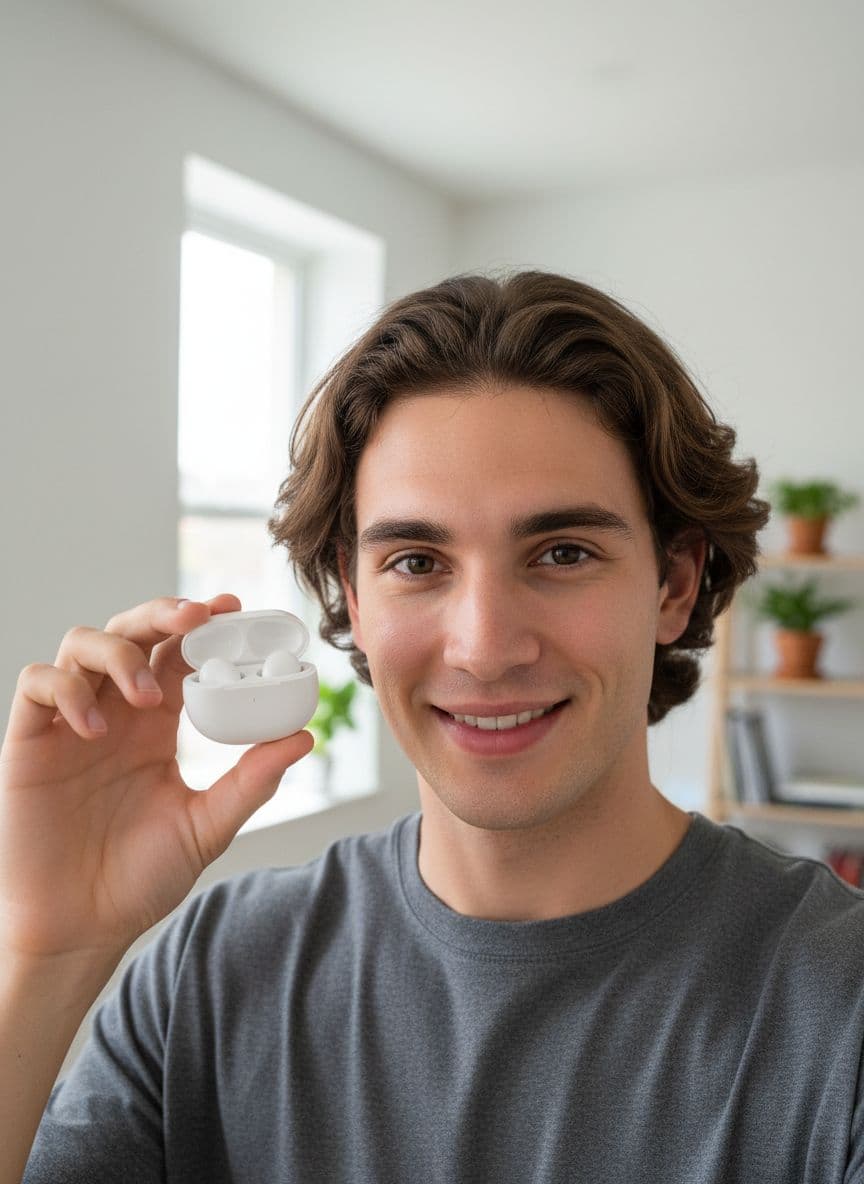 Watch example
Tech ad
AI voice · vertical MP4
Tech product ad
Tech Gadget Video Ad
Best for gadgets, accessories, desk products, electronics launches, and feature-benefit ad tests.
View script and remixRelated resources
More resources for unboxing video scripts
Unboxing videos
Create unboxing-style product videos from one image for launches, gift products, product pages, and paid social. See examples.
Open pageProduct launch videos
Create product launch videos from one product photo for landing pages, email, TikTok, Reels, and paid social. See examples.
Open pageHome decor ads
Create home decor video ads from product photos for Shopify, Etsy, product pages, and paid social. See examples and remix.
Open pageProduct Launch Video Scripts
Copy product launch video scripts for new products, drops, bundles, and waitlists. See examples and remix in TalkPix.
Open pageTestimonial Video Scripts
Copy testimonial video scripts for customer reviews, retargeting ads, product pages, and social proof. See examples.
Open pageTech Product Video Ad Scripts
Copy tech product video ad scripts for gadgets, electronics, feature explainers, and launches. See examples and remix.
Open pageAll video script templates
Browse the full TalkPix script-template library.
Open pageAI video examples
Watch generated examples with input images, videos, and remix CTAs.
Open pageFAQ
Unboxing Video Scripts questions
Can these scripts describe an actual unboxing?
Yes. Replace the brackets with verified items and match the narration to real footage of your own package opening. The linked examples are AI-presenter reads, so they do not verify a parcel's contents or show your own order being opened. Record or assemble that sequence in your editor.
Do I need a subscription to use TalkPix?
No. TalkPix sells one-time credit packs from $5, and credits never expire. There is no subscription to start or cancel.
Can I use the generated videos commercially?
Yes. Commercial use is included when you have the rights and consent for the source image, script, product content, and audio you use.
Create from a template
Use unboxing video scripts in your own video
Start from the example setup, replace the script with your version, and render a video with your own image or voice.