AI Capsule Toy Trend: A Tiny You in a Gachapon Capsule
Turn your photo into a tiny collectible of you inside a gachapon capsule on the vending tray.
1 photo · 1 portrait (3:4) image · 7 credits
No credits are spent until you press Generate · updated October 13, 2026
Real renderCapsule Toy at a glance
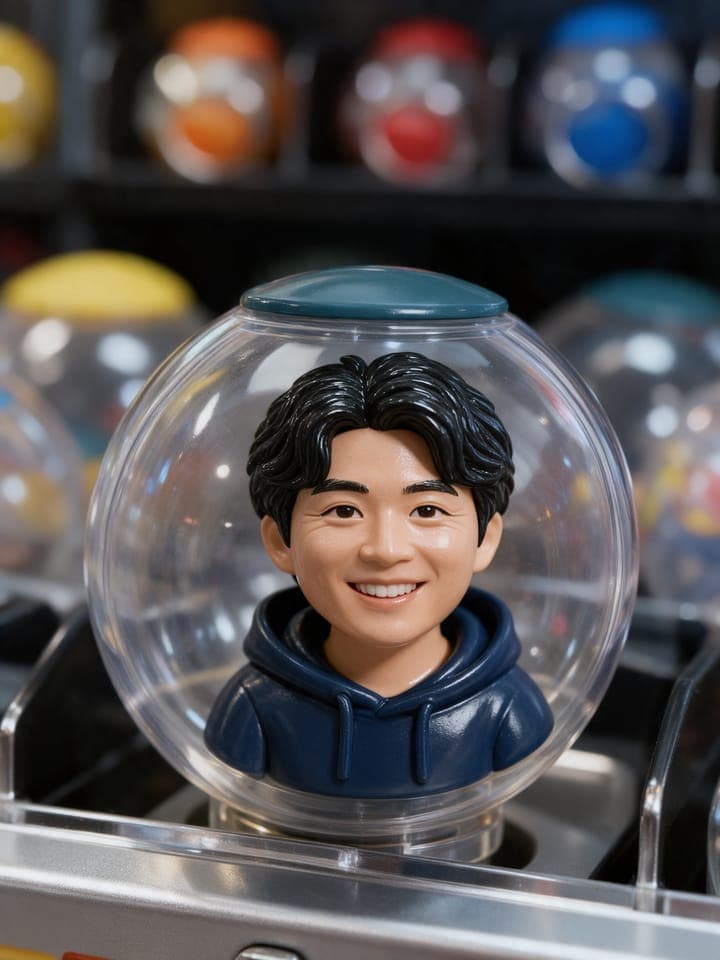
Capsule Toy is a ready-made AI Image template on TalkPix. A tiny collectible you inside a gachapon capsule on the vending tray. You add 1 photo; the template supplies the style, the framing and the scene. The result is one portrait (3:4) image, made by Seedream 5 Pro, for 7 credits per image.
The Capsule Toy image is portrait (3:4), the shape of an Instagram feed post and a phone wallpaper; it also fits a story with a little room above and below.
| Trend | Capsule Toy, an AI Image template on TalkPix |
|---|---|
| You add | 1 photo: Your photo |
| Result | 1 portrait (3:4) image |
| Sound | No, a still image |
| Model | Seedream 5 Pro |
| Price | 7 credits per image |
| Credit value in USD | Consumed credit value: about $0.70 per image at the Mini pack rate ($5 for 50 credits). This is a USD list-price equivalent, not a separate cash purchase; packs start at $5. Larger packs cost less per credit. |
| Opens in | AI Image studio, with the template loaded |
| Example | Real render from October 1, 2026. The sample photo is AI-generated, not a photo of a real person. |
| Page updated | October 13, 2026 |
Before and after
What the Capsule Toy example was made from
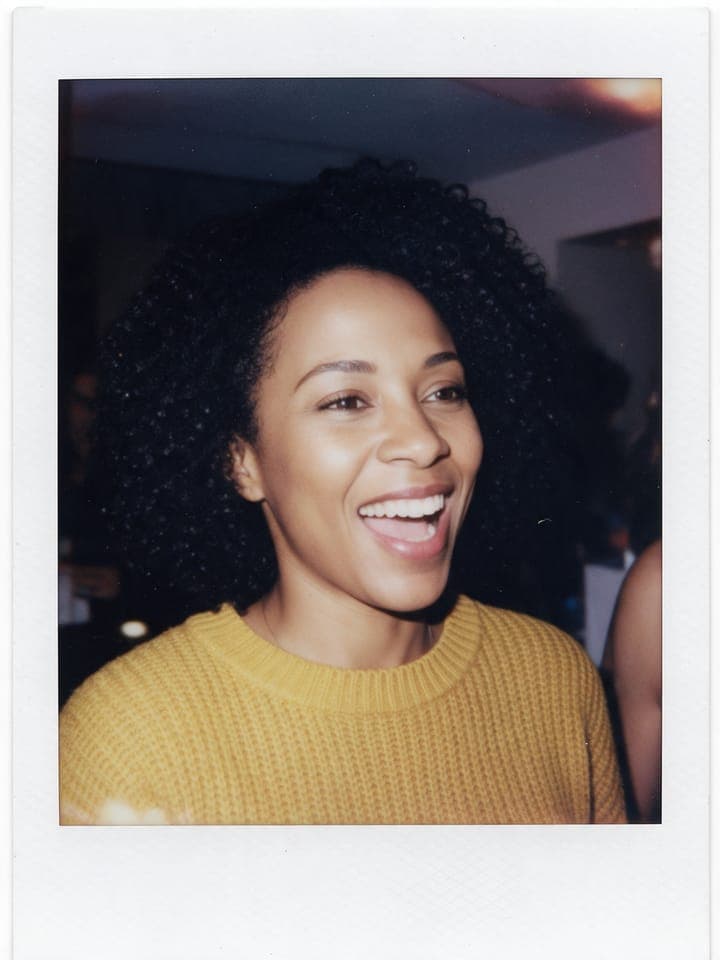
The example above is a real render of this template from this photo, made on October 1, 2026. The sample photo is AI-generated, not a photo of a real person.


What you need and what you get
- Photos (1 photo)
- Your photo — One clear, well-lit photo of your face. No sunglasses or group shots.
- Result
- 1 portrait (3:4) image. Made with Seedream 5 Pro for the Capsule Toy template.
- Price
- Capsule Toy costs 7 credits per image. Credit packs start at $5 and credits never expire; see pricing.
How to make the Capsule Toy trend
Step 1
Open the Capsule Toy template
Capsule Toy opens in the AI Image studio with its style and framing already set.
Step 2
Add 1 photo
Upload your photo for the Capsule Toy template.
Step 3
Generate
Sign in and check the displayed credit estimate (7 credits per image) before generating. Paid generation needs sufficient credits; buy a pack if needed. A failed render returns its generation credits. Any optional image preparation has its own displayed charge.
Step 4
Download and post
The finished Capsule Toy image opens on its result page, where you download it and can run the template again with another photo.
Capsule Toy questions
What is the Capsule Toy trend?
Capsule Toy is one of the AI Image trend templates on TalkPix: a fixed scene you put your own photo into. A tiny collectible you inside a gachapon capsule on the vending tray. You add 1 photo and the result is one portrait (3:4) image.
How do I make the Capsule Toy trend with my own photo?
Open the Capsule Toy template (the Use this template button on this page, or talkpix.ai/create/ai-image?trend=capsule-toy), add your photo, and press Generate. The Capsule Toy image appears on its result page after rendering, as a file you download.
How much does the Capsule Toy template cost?
The Capsule Toy template costs 7 credits per image. Consumed credit value: about $0.70 per image at the Mini pack rate ($5 for 50 credits). This is a USD list-price equivalent, not a separate cash purchase; packs start at $5. Larger packs cost less per credit. The exact total is on the Generate button before anything renders, and a render that fails returns its credits. Credits never expire.
What photos do I need for Capsule Toy?
Capsule Toy needs 1 photo. Your photo: One clear, well-lit photo of your face. No sunglasses or group shots. Only use photos of yourself or of people who have agreed to it.
Will my Capsule Toy result match the example exactly?
No exact match is guaranteed. The example shows one real render, not a promise of identical output. AI can change faces, objects, motion or lettering. Use clear reference photos and review the downloaded result before posting.
What does the Capsule Toy template make?
One portrait (3:4) image, made with Seedream 5 Pro from the photos you add.
Can I post the Capsule Toy image on Instagram?
Yes. The Capsule Toy image is portrait (3:4), the shape of an Instagram feed post and a phone wallpaper; it also fits a story with a little room above and below. Download the file from the result page and post it from your own account; the result is AI-generated, so label it as such where a platform asks.
Do I need an app to make Capsule Toy?
No. Capsule Toy is made in the TalkPix web app, which runs in the browser on any phone, tablet or computer with nothing to install. You need a TalkPix account and credits; the exact cost is on the Generate button.
Is the Capsule Toy example real?
Yes. It is a real render of this template, made on October 1, 2026 from the sample photos shown on this page. The sample photo is AI-generated, not a photo of a real person.
Can I use my Capsule Toy image commercially?
Yes, when you hold the rights and consent for every photo you add and follow the TalkPix Terms and the rules of the platform you post on. Capsule Toy renders are AI-generated: only use photos of yourself or of people who have agreed to it.
More AI image trends

Plushie
AI Image

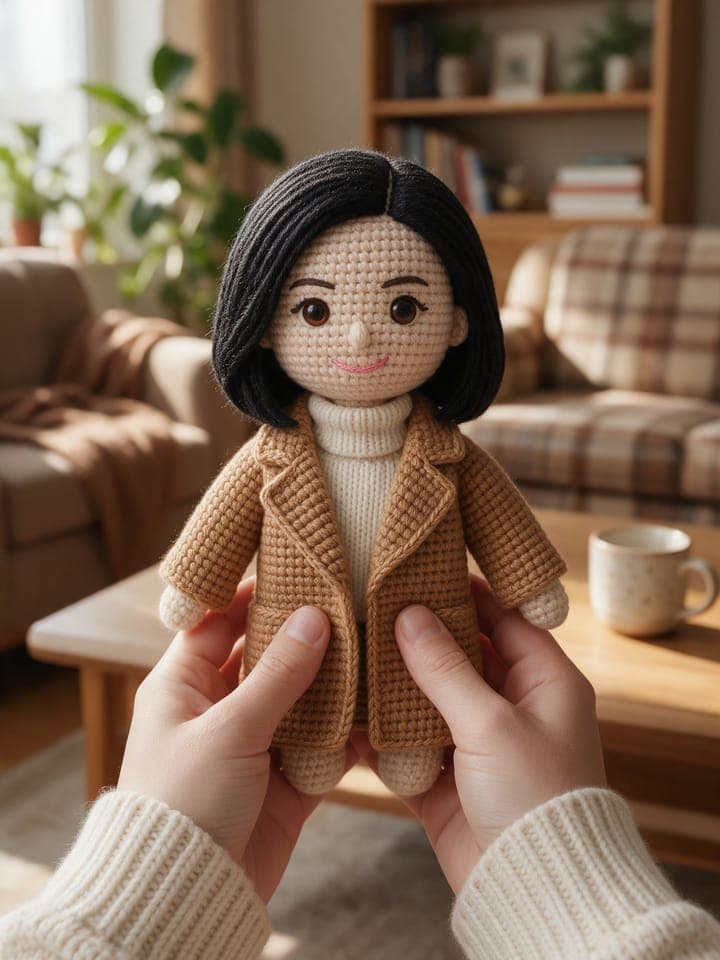
Knitted Doll
AI Image

Action Figure Box
AI Image

Vinyl Caricature
AI Image

Clay Figurine
AI Image

Instant Photo Moment
AI Image
Same theme, other studios
Browse by theme
Make the Capsule Toy trend with your photo
Capsule Toy · AI Image studio · 1 photo · 7 credits · 1 portrait (3:4) image