
Nonprofit Fundraising Video Scripts for Donor Campaigns
Explain the need, show how donations will be used, and give one clear next step. Adapt three scripts for donation asks, impact updates, and campaign deadlines.
Built for nonprofits, donor marketers, and community teams. Start with a template, replace the placeholders with real details, and preview the delivery before exporting a full video.
 Real AI video
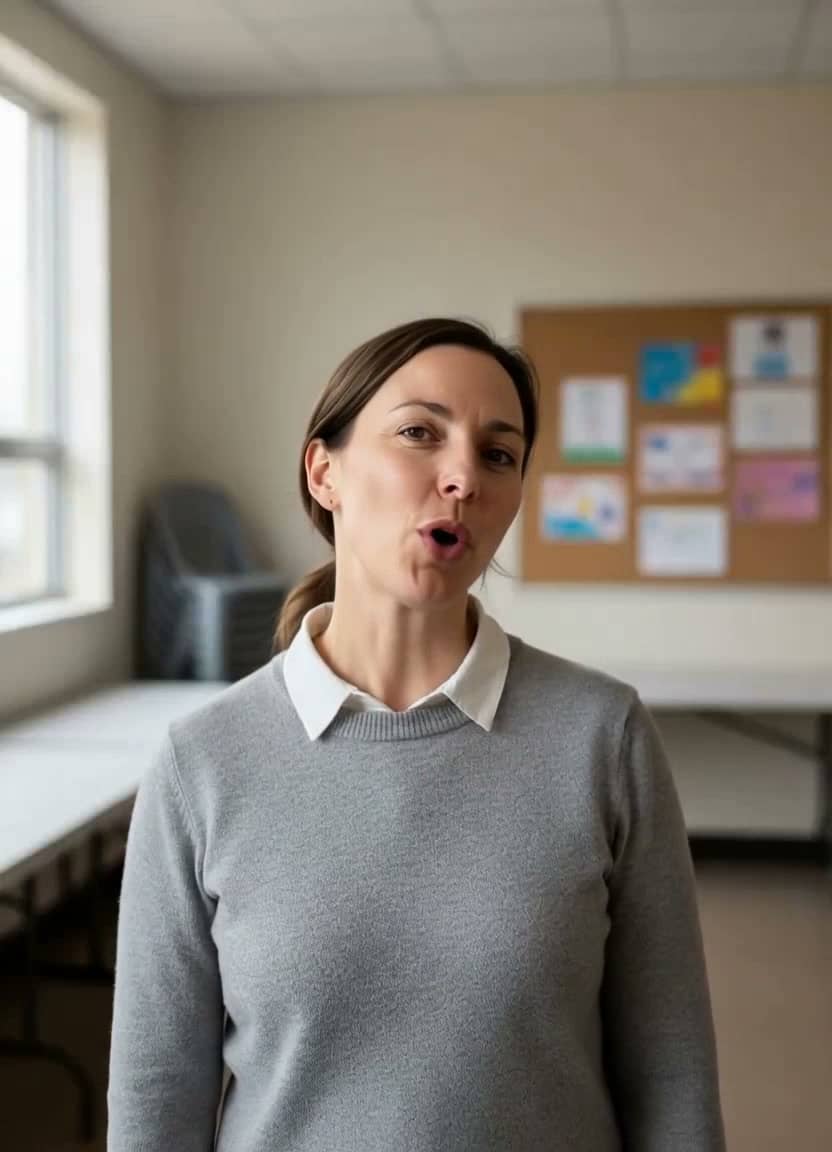
Nonprofit Fundraiser Message
Gemini image · AI voice · 720p
Review before publishing
Keep the message accurate, authorized, and specific to the real organization.
- Verify names, roles, dates, product details, and calls to action.
- Get consent for any real person's image, voice, or attributed statement.
- Treat generated examples as drafts; they are not evidence of customer outcomes.
Templates
Nonprofit Fundraising Video Scripts to copy and adapt
Use these as starting points. Replace generic phrases with your real offer, location, product, or audience before rendering.
"At [organization], we are raising [campaign goal] to provide [specific support] for [community]. Your donation will support [verified use of funds]. If you can give [suggested amount] today, visit [donation URL]. Thank you for helping us work toward this goal."
Shot plan: introduce the organization, show approved footage of the work, then hold a donation-link end card. Replace every bracketed field with verified details. Read the finished script aloud to check its length.
"Thank you for supporting [campaign name]. Between [start date] and [end date], your donations helped us [verified result]. You can see the details at [report URL]. Our next step is [specific next action]. To support that work, visit [donation URL]."
Shot plan: open with thanks, show the dated result and its source, then explain the next step. Obtain permission for any real person's image or story; do not present an AI avatar as a beneficiary testimonial.
"Our [campaign name] fundraiser closes on [actual deadline]. As of [update date], we have raised [verified amount raised] toward our [confirmed goal] goal for [specific purpose]. If you would like to help before the campaign closes, donate at [donation URL]. Thank you for considering our appeal."
Shot plan: show the real closing date, a dated progress figure, then one donation link. Refresh the amount before publishing and remove or update this appeal after the deadline. Use a short spoken link and show the full destination in the end card.
Writing notes
Make each nonprofit fundraising video scripts specific
The template gives you a starting structure. Replace it with details your real audience will recognize and trust.
Give the viewer one clear action
Name the organization, explain the need, state the intended use of donations, and end with one donation link. Replace the placeholders before recording. Time a read-through of the final wording rather than assuming the template has a fixed duration.
Check every campaign claim
Verify the use of funds, reported results, progress amount, and actual deadline. Only mention matching gifts or tax deductibility when confirmed for this campaign. Keep a dated source for each claim so donors can check the details.
FTC charity-giving checksReview captions and the donation link
Add synchronized captions in your publishing workflow and review names, numbers, and meaningful sounds. Keep the organization and donation destination readable on screen. Test the link on the published page before sharing the appeal.
W3C guide to captionsMatching examples
See nonprofit fundraising video scripts in a real video workflow
 Watch example
Fundraiser
Gemini image · AI voice · 720p
Fundraising video
Nonprofit Fundraiser Message
Best for nonprofit campaigns, donor updates, community fundraising, and social impact messages.
View script and remix Watch example
SaaS founder
Gemini image · AI voice · 720p
Founder update video
SaaS Founder Product Update
Best for SaaS launch notes, changelog videos, founder updates, and B2B social posts.
View script and remix Watch example
Wedding invite
Gemini image · AI voice · 720p
Invitation video
Wedding Save-the-Date Video
Best for save-the-date messages, wedding websites, invitation videos, and guest reminders.
View script and remixRelated resources
More resources for nonprofit fundraising video scripts
Nonprofit videos
Create nonprofit fundraising videos, donor updates, and campaign messages from one spokesperson image. See examples and remix in TalkPix.
Open pageBusiness avatar videos
Create AI avatar videos for business updates, product launches, service explainers, and internal messages from one portrait.
Open pageUGC Video Ad Scripts
Copy UGC video ad scripts for product hooks, creator-style avatar reads, and paid social tests. See examples and remix in TalkPix.
Open pageAll video script templates
Browse the full TalkPix script-template library.
Open pageAI video examples
Watch generated examples with input images, videos, and remix CTAs.
Open pageFAQ
Nonprofit Fundraising Video Scripts questions
What should a fundraising video script include?
Include the organization's name, the need, the intended use of donations, and one clear call to action. Use verified details in place of every bracketed field. For an impact update, add the reporting period and a source for the result; for a deadline appeal, give the real closing date.
Is the fundraiser demo a real nonprofit campaign?
This is an AI-generated production example, not a real charity campaign or evidence of donations raised. The preview uses a generated portrait and AI voice. Adapt the written templates to your own organization and verified facts; the other example cards illustrate video formats, not nonprofit results.
Do I need a subscription to use TalkPix?
No. TalkPix sells one-time credit packs from $5, and credits never expire. There is no subscription to start or cancel.
Create from a template
Use nonprofit fundraising video scripts in your own video
Start from the example setup, replace the script with your version, and render a video with your own image or voice.